Google adds arrival and departure alerts to Find My Device app
NewsBytes | May 18, 2026 11:39 PM CST
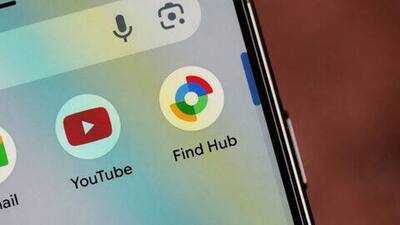
Set location alerts from People tab
Setting up alerts is easy: just pick a contact in the People tab and tap "Add a location notification: Get notified when someone arrives or leaves a location, like home or work."
You choose if you want updates when they arrive or leave, then set the spot using an interactive map slider.
After you save your choices, your friend gets notified too. Plus, there's a map view where you can see all your active alerts and manage them as needed.
This makes keeping track of meetups or making sure someone got home safely way less stressful.
READ NEXT
-
Summer Fashion Tips: Want comfort with fashion in summer? Try these 5 lightweight fabrics that will keep you fresh and stylish all day long

-
Ways to avoid heat: Know what to do and what not to do

-
Sanjay Raut’s reaction on Rahul Gandhi’s ‘traitor’ statement, advised BJP-RSS to introspect, read full news

-
Lottery held for UP employees! DA of government employees increased to 60%

-
Microsoft’s biggest AI Data Center is being built in this state, know when it will start