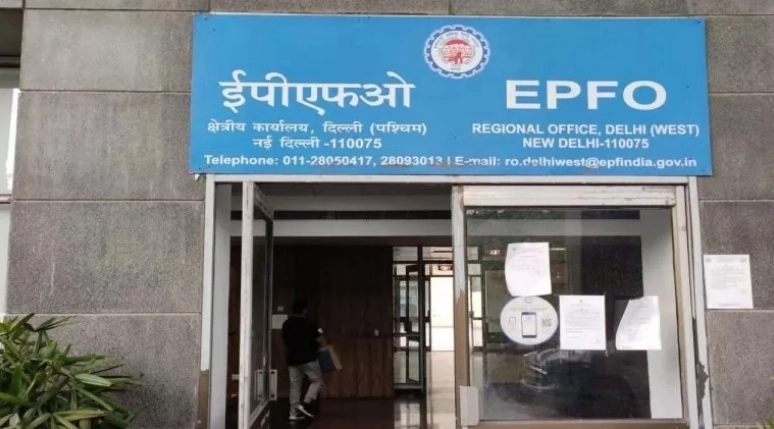
EPFO New Rule: The Employees’ Provident Fund Organization (EPFO) has released a new update, through which members can easily update their details without any documents. Know how you can update it and what its rules are.
EPFO New Rule: The Employees Provident Fund Organization (EPFO) has released a big update for its crores of members. Now members can easily correct their details without any documents. This includes information such as date of birth, citizenship, parents’ name, marital status, spouse’s name, gender, and date of joining and leaving the company. This change will benefit 3.9 lakh members, whose requests were pending. Now they can cancel their pending request and resubmit it under the new and simple process.
EPFO has made several updates in its system so that now members can easily correct their details without any documents. This includes information such as name spelling, date of birth, parents’ name, gender, marital status, spouse’s name and date of entry and exit from the company. With this new update, members will be able to edit their information easily.
Who can update
EPFO said that this facility is available only to those members whose Universal Account Number (UAN) number is linked and verified with Aadhaar. The purpose of this process is to reduce complaints and settle pending requests quickly. Earlier, verification from the employer was required for the change, which took about 28 days. Now with this new facility, members will be able to update their information easily and this process has become faster and simpler.
It is necessary to link PAN with Aadhaar.
First of all, EPFO members have to ensure whether their Aadhaar card is linked to their PAN or not. If not linked, then it is necessary to link the two first. According to the information received, EPFO approval will still be required to update 50% of the information. The rest of the information can be updated by the members themselves. This step is being taken so that the increasing complaints can be reduced and they can be resolved faster.
How to update
To update, first, go to the EPFO website and log in by entering your UAN number and password. Then click on the ‘Manage’ tab above. If you want to update information like name, date of birth or gender, then choose the ‘Modify Basic Details’ option. Fill in the correct information as per the Aadhaar card and note that the EPF and Aadhaar details should be the same. Upload documents like Aadhaar, PAN or Birth Certificate if required.
-
Delhi-Kolkata direct flight: Bengal win gives Modi strategic room shrinking for other world leaders

-
Why India’s beauty shoppers scroll more but still buy offline

-
Don't brush Manipur under the rug

-
A remarkable rise, BJP joins Bengal club

-
Are you silent in meetings? Psychology says it’s not a confidence problem — The hidden pattern of your insecurity and fear of judgment creeping in