How can UPI ID be blocked in case of lost or stolen phone? Learn the easy way here
PTC News | May 27, 2024 11:35 AM CST
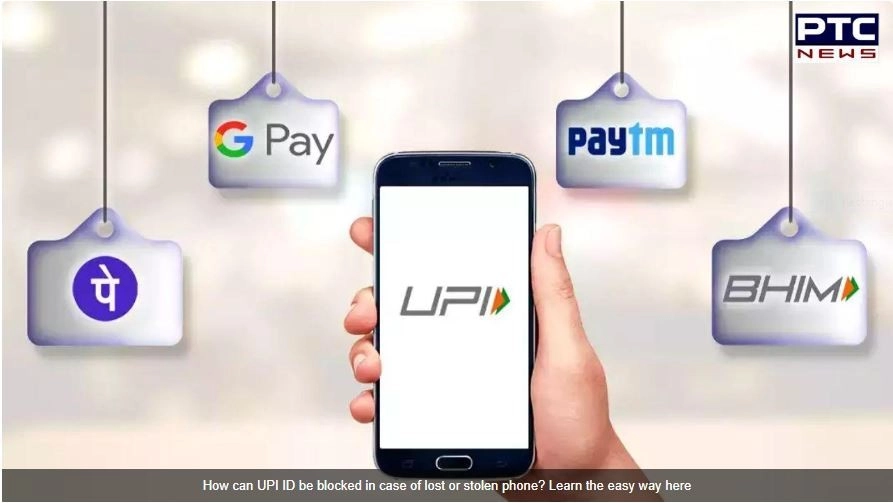
How to Block UPI ID: If your phone is stolen or lost, the risk increases significantly. So today we will tell you how you can block your UPI ID if your phone is lost or stolen. So let's know about this…
How to Block UPI ID: Nowadays most people prefer to pay online instead of cash. Everywhere you get UPI payment option. UPI apps like Paytm, PhonePe and Google Pay will be available on everyone's phone. They have made online payment very easy. But if your phone is stolen or lost, the risk increases significantly. So today we will tell you how you can block your UPI ID if your phone is lost or stolen. So let's know about this…
How to Block Paytm UPI ID
- The first step is to call the Paytm helpline number 01204456456.
- Then the lost phone option has to be selected.
- After that enter any remote number. Then you have to give the phone number of your phone that was stolen.
- After doing this, the Logout from all devices option has to be selected.
- Then go to Paytm website and select 24×7 help option from there.
- From where you have to select the option to report fraud or send us a message.
- Finally you have to enter some details of the police report. Due to which your Paytm account will be temporarily closed.
How to Block Google Pay ID
- The first step is to call the Google Pay helpline number 18004190157.
- Then ask the customer care to block the Google Pay account.
- Android users can also delete phone data using My Phone.
How to Block PhonePe ID
- The first step is to call the helpline number 02268727374 or 08068727374.
- Then a report has to be filed for the mobile number linked with the UPI ID.
- After this you have to select the SIM card and lost phone option.
- After doing this you will be connected with customer care
- Finally you can block your UPI ID by providing all your details.
READ NEXT
-
Piyush Goyal launches nutrition kit drive for mothers in North Mumbai
-
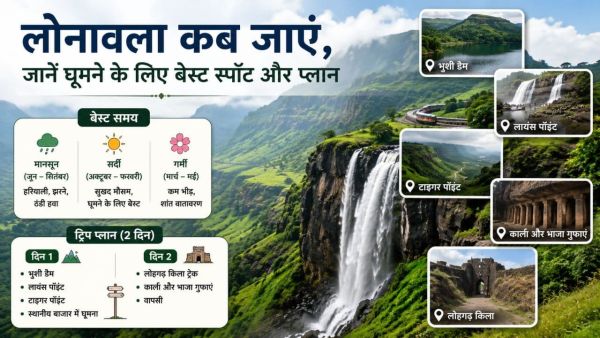
Best Time to Visit Lonavala: When to visit Lonavala, know the best spots and plans to visit. Best Time To Go Lonavala Know Famous Destination And Trip Plan
-
MP News: CM Mohan Yadav launches PMGSY-IV and PM Janman Yojana in Sehore, 987 habitations will get benefits. Mp News Cm Mohan Yadav Shivraj Singh Chouhan Launch Pmgsy Iv Pm Pm Janman Yojana Bhairunda Sehore Pm Modi Vision
-
Chandranath Rath Murder: Police get 2 big clues, but a 6-7 hour gap is baffling them

-
Chhattisgarh News: Under Nishchay Scheme, facility of skill training and computer education to prisoners in Raipur jail. Chhattisgarh News Raipur Jail Nishchay Yojana Skill Training Computer Center Indian Overseas Bank Loan Fair For Prisoners