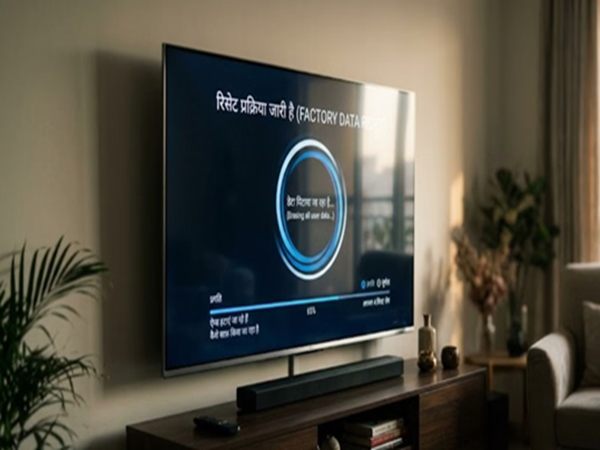
In today's era, Smart TVs are no longer just a means of watching TV channels. Features like Netflix, YouTube, OTT apps, and gaming have made them the multimedia hub of the home. But over time, the TV's storage fills up, app data increases, and the system begins to feel overburdened. This impacts the TV's speed. Eventually, you become frustrated with your stuttering Smart TV and consider buying a new one. But today, we're sharing some settings that will make your old TV run like new, eliminating the need for a new one. Let's find out...
1. Delete useless apps and data first
Sometimes, apps remain on your TV that haven't been used for months. These apps only take up storage and slow down the system by running in the background. In such a situation, first check your TV's app list and remove any apps you don't need.
Also, clear the cached data of apps from time to time. Cache is temporary data that constantly grows and can impact system performance. If your TV doesn't have a cache-clearing option, uninstalling and reinstalling the app is a good solution.
Restarting the TV from time to time is also beneficial. This clears temporary data stored in RAM and eliminates minor lags.
2. Don't Ignore Software Updates
People often forget to update their TVs' software after purchasing them.
While companies regularly release new updates, including bug fixes, security patches, and performance improvements, they can be helpful.
Go to the TV's settings and check the Software Update section. If a new update is available, install it immediately.
Updates can also be done using a USB drive when the internet isn't available. Updated software not only improves the TV's performance but also helps apps like Netflix and YouTube run more smoothly.
3. Sometimes the problem isn't the TV, but the internet.
If videos are buffering frequently or OTT apps aren't running properly, it could be due to a weak internet connection. A weak Wi-Fi signal impacts the streaming experience.
If the TV has an Ethernet (LAN) port, connecting it directly to the router is considered the best option. This provides more stable and faster internet access. If using Wi-Fi, keep the router close to the TV. A 5GHz network is best for short distances, and a 2.4GHz network is best for longer distances. Restarting the router periodically can also be helpful.
4. Increase speed by disabling unnecessary features
Modern Smart TVs offer many features that look attractive but put additional strain on the system.
For example, the Motion Enhancement feature attempts to make videos appear smoother, but this can sometimes impact the TV's processing. Similarly, Eco Mode constantly adjusts the screen brightness, increasing background processing.
If your TV has features like Auto HDMI Switching or External Device Detection enabled and they're not needed, it may be best to turn them off.
5. When nothing works, perform a factory reset
If the TV is still running slowly after trying all the above solutions, a factory reset may be the last and most effective option.
Factory resetting restores the TV to its pristine condition. This removes old bugs, unnecessary data, and system errors. However, this process also deletes all apps, logins, and settings. Therefore, it's important to keep important accounts and passwords safe before resetting.
Another easy solution is to disconnect the TV from the power and turn it back on after about 30 seconds. This hard restart can fix many minor issues.
Ways to Make an Old TV Smarter
If you want a better experience with your old Smart TV, you can use a streaming device like a Fire TV Stick or an Android TV Box. Additionally, you can also use a better audio system.
Disclaimer: This content has been sourced and edited from Amar Ujala. While we have made modifications for clarity and presentation, the original content belongs to its respective authors and website. We do not claim ownership of the content.
-
13 June Rashifal: Who should not use others’ car, who will get surprise, this zodiac sign will get relief in legal matters

-
Achari Paratha Recipe: Make delicious Achari Paratha with pickle spices, learn the easy recipe and how to make it

-
“Next-Level Pahadon Wali Maggi”: Internet Reacts To First-Ever Floating Maggi Point On Kashmir’s Dal Lake

-
Kangana Ranaut’s Patan Patola saree: Price, history and specialty of royal Gujarati handloom

-
Silent Call Scam: Phone gets disconnected as soon as you say ‘Hello’? Attention Your number may be included in the list of scammers