
In today's digital world, smartphones have become an important part of our lives and WhatsApp is one of the most popular instant messaging apps in the world, through which you can also make calling and video calls, perhaps this is the reason why it has more than 3 billion users all over the world, but sharing too many media files can sometimes cause storage problems on your device, if you are also facing this problem, then follow these tricks-
How to share photos and videos on WhatsApp
Just select the photo or video you want to send from your gallery.
Tap the send button to share it instantly with your contacts.
Managing storage when sharing large media files
Sending too many videos or photos can quickly fill up your phone's storage.
To avoid this, WhatsApp provides a way to review and delete heavy video files that you no longer need.
Steps to manage and delete large files on WhatsApp
Open WhatsApp Settings.
Go to Storage & Data.
Tap Manage Storage.
Select Files larger than 5 MB to find large videos and photos.
Tap the Sort by icon (bottom left corner) to see the largest files first and select the largest one.
Tap Select (top right corner) to choose the files you want to delete.
Finally, delete unwanted videos or photos by tapping the Delete icon (bottom right corner).
Disclaimer: This Content Has Been Sourced And Edited From [ZeeNewsHindi]
-
Kuldeep Yadav’s sudden entry in Chennai Super Kings, RCB gets 38 year old bowler

-
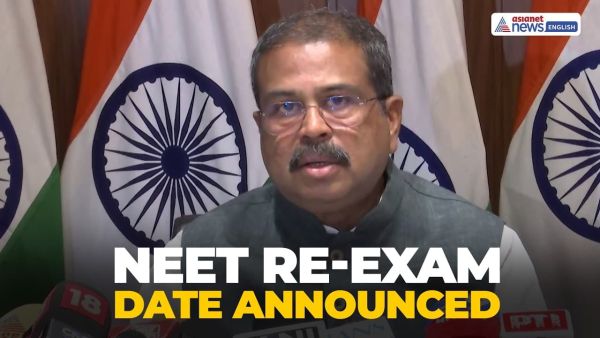
NEET Re-Exam Date Announced! Dharmendra Pradhan Confirms
-
NEET UG CBT Mode: Big decision of government after paper leak, entire system of NEET changed, now online exam. Neet Ug 2026 Exam Will Be Conducted In Cbt Mode After Paper Leak Row Education Minister Dharmendra Pradhan Latest Update

-
‘Eat only 12 grains daily’, you will remain strong like a lion even in old age – News Himachali News Himachali

-
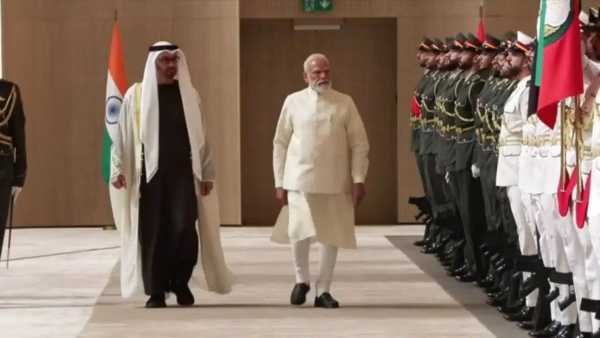
Defense, LPG supply and oil storage agreements between India and UAE, $5 billion investment announced