
By Jitendra Jangid- WhatsApp is the most popular instant messaging app in today's modern era, through which you can send messages, images and videos to real-time. It is fast and convenient, but sometimes the quality of media you sent, especially photos, cannot be as clear as you want. But do not worry WhatsApp offers such features for your user, which will help you to send clean and without torn photos-
Stages to start HD Photo Quality on WhatsApp:
Open Whatsapp: Launch the WhatsApp app on your phone.
Go to the setting: Tap on three points (menu) in the upper right corner and choose the “Settings” option.
Choose storage and data: In the setting menu, scroll down and choose the “Storage and Data” option.
Turn on media upload quality: In storage and data settings, see the “Media Upload Quality” option.
Choose HD Quality: Finally, choose the “Best Quality” or “HD” option for media uploads.
By turning on this setting, you ensure that photos sent through WhatsApp are uploaded to the highest quality.
Disclaimer: This content has been sourced and edited from (ZeeNewsHindi)
-
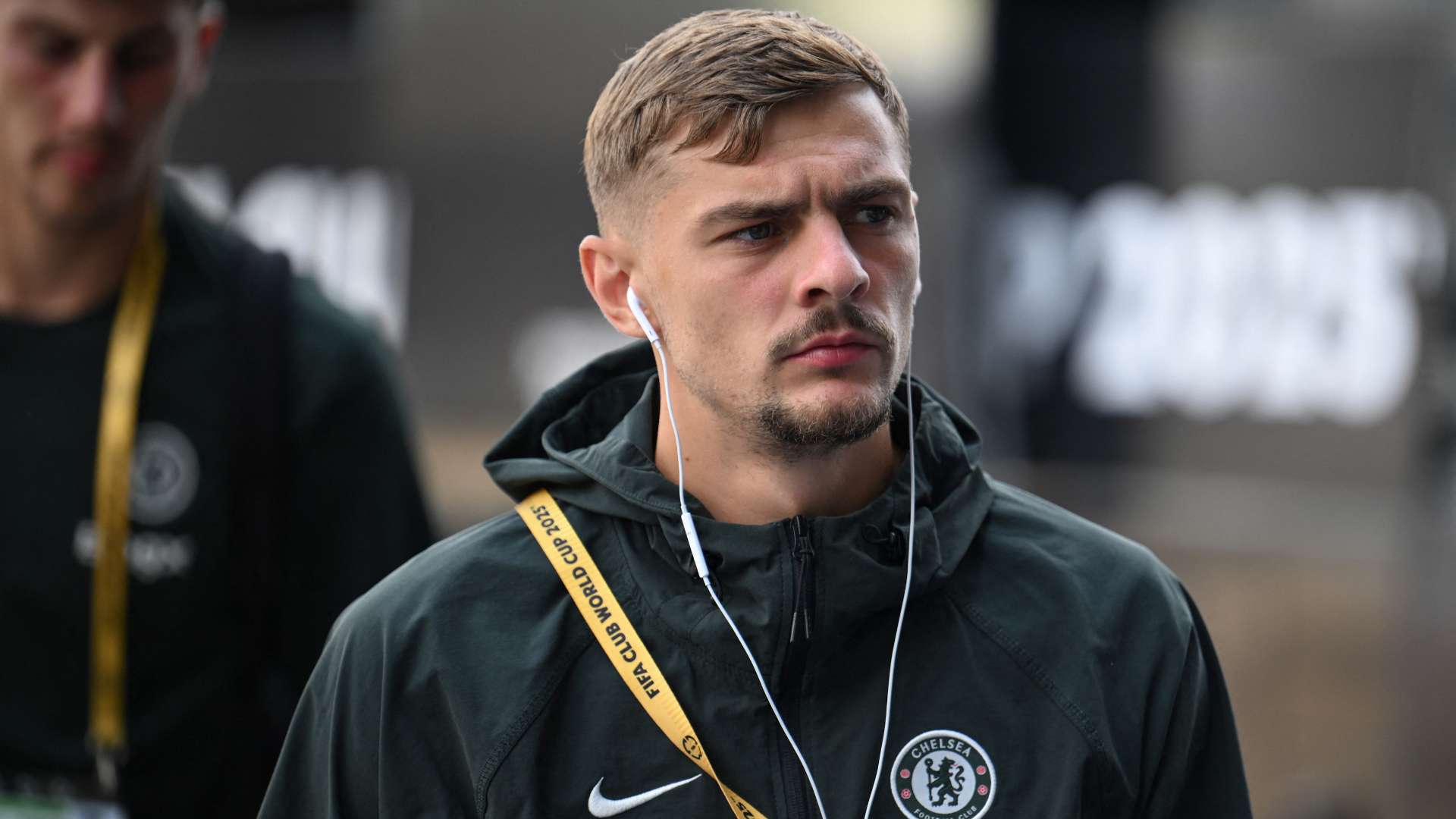
'Easy call!' – Kiernan Dewsbury-Hall completes £25m switch from Chelsea to Everton after one year at Stamford Bridge
-
Angry Erik ten Hag Stops Granit Xhaka’s Bayer Leverkusen Exit After Sunderland Deal, Says ‘No More Departures’

-
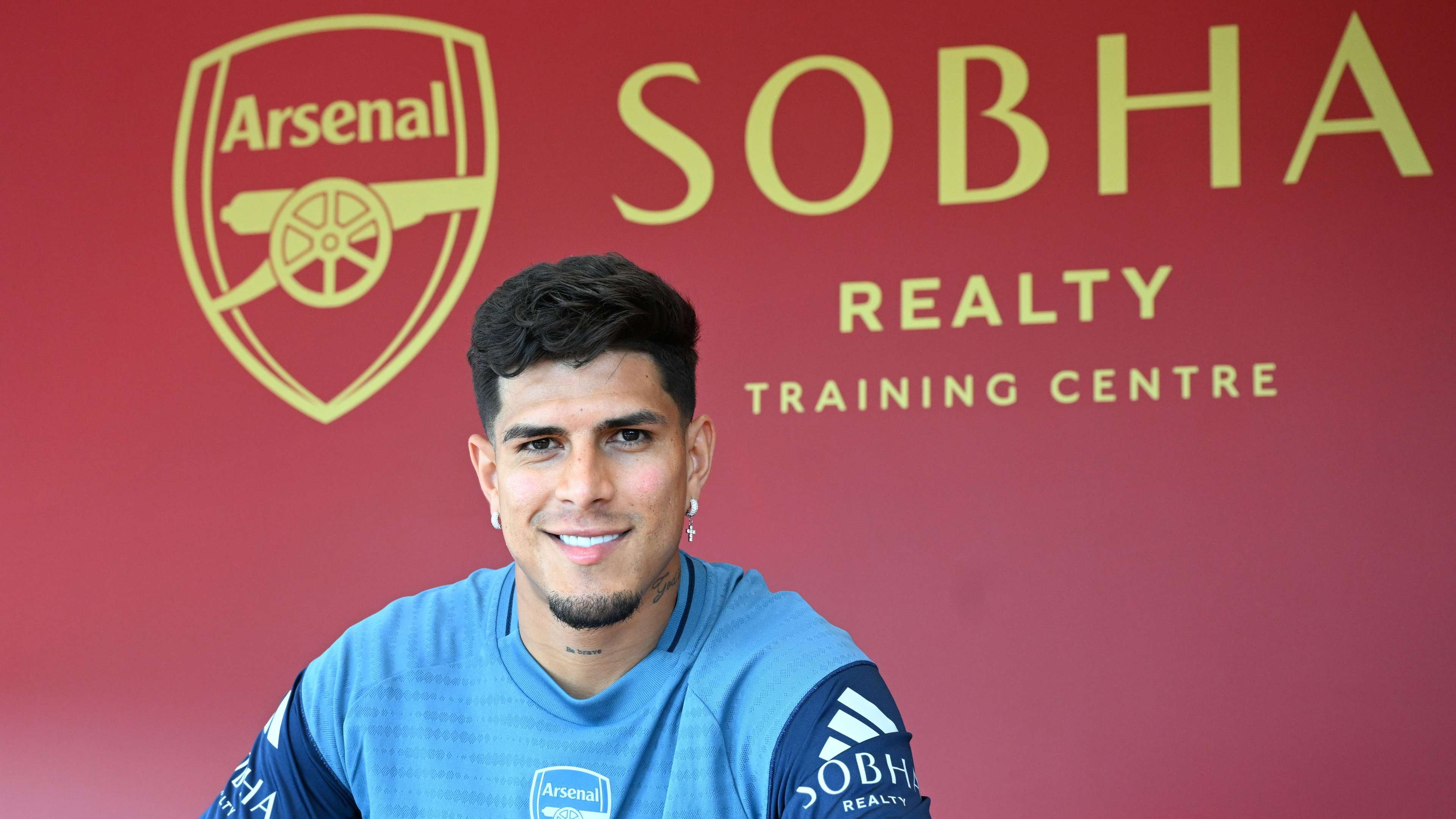
Arsenal secure Piero Hincapie on loan with obligation to buy from Bayer Leverkusen
-
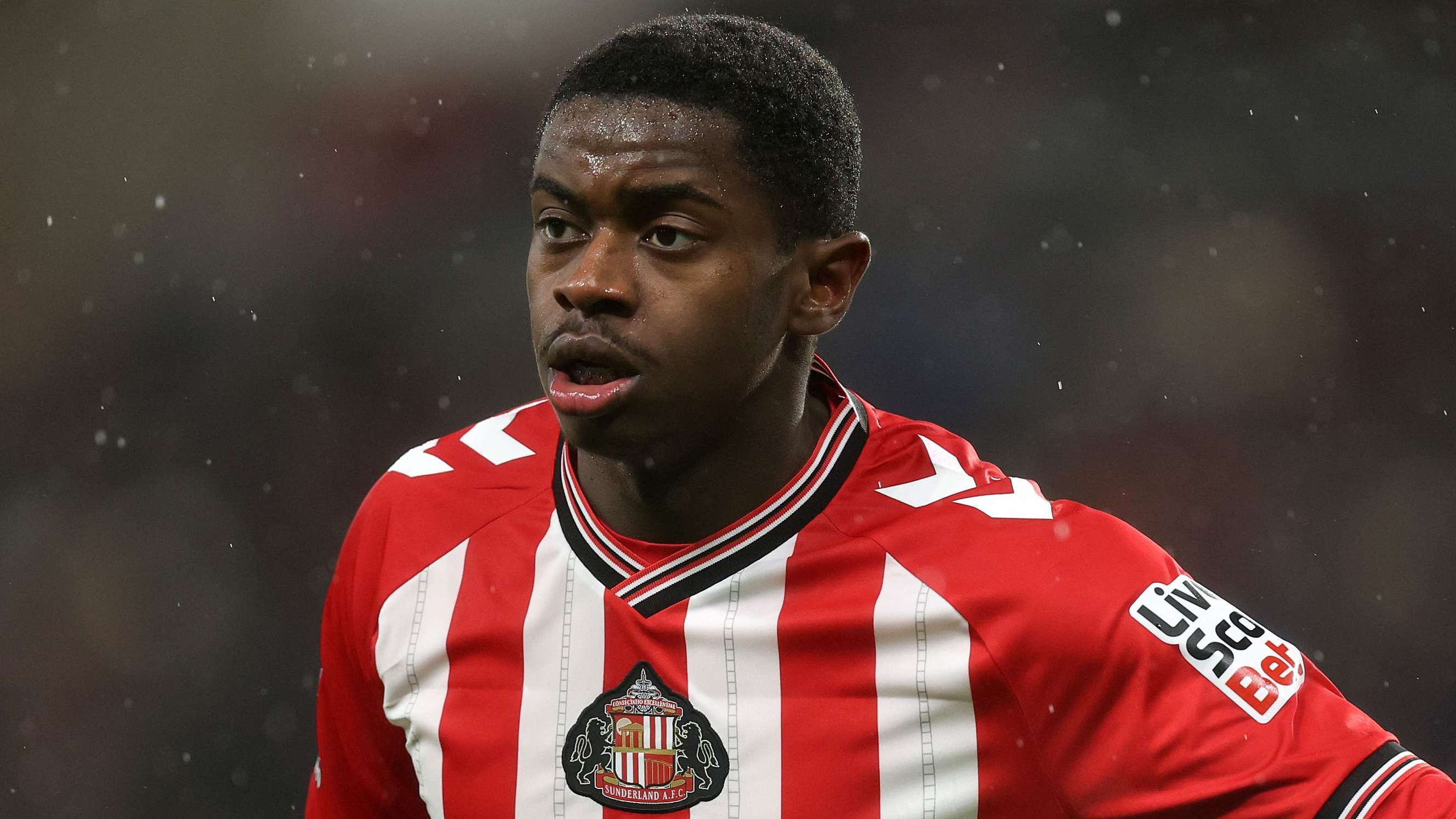
Manchester United eye Sunderland midfielder Noah Sadiki after brilliant Premier League start; Chelsea also monitoring £15m talent
-
Manchester United Keep Options Open for AC Milan Star Rafael Leao