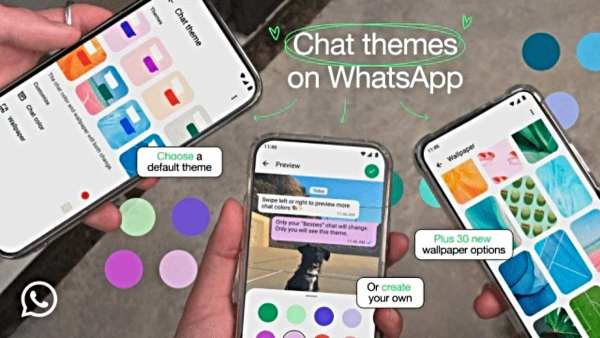
WhatsApp Now is introducing a new chat theme feature for Android and iOS users, including 22 pre-set themes and 30 new wallpapers. This new feature gives users the option to customize their chat interfaces.
Main features (Whatsapp New Chat Theme)
- The theme election
If you want, then the user can set the same theme for all chats or choose a separate theme for a special conversation. Note that these themes will only be visible to you and they can also be applied to channels.
- Individual settings
Pre-set themes can be customized. Users can change the brightness of the background and the color of the outgoing messages, while the color of the incoming message will depend on the light or dark mode of the app.
- Custom background
If you do not like pre-set theme or wallpaper, then users can choose the favorite background with their gallery or camera rolls.
How to change WhatsApp Chat Theme? (Whatsapp New Chat Theme)
- Open Whatsapp and click on the three dots menu on the top right.
- Choose “Settings” in the dropdown menu and then go to “Chats”.
- Click on Default Chat Theme ” – From here you can change the theme, chat color and wallpaper.
This feature is rolling out in a phased manner, so it can be available on your device in a few days or weeks. Make sure your WhatsApp is updated in the latest version.