By Jitendra Jangid- Friends, as we all know that WhatsApp is the world's most popular instant messaging app, through which you can send messages., can call and photo, Can share videos and documents. With all this important data stored in one place, It is important to ensure that it is safely backed up, Especially if you are planning to change devices. If you want to take chat history backup, then follow this process-
WhatsApp open
on your phone WhatsApp Start by launching.
Go to Settings
Tap the three dots in the upper right corner and select Settings from the drop-down menu.

Go to chat section
in the settings menu, Tap Chat to access chat settings.
Select Chat Backup
in chat settings, You will find an option called Chat Backup. Tap on it to proceed further.
own Google select account
here, you that Google You will be asked to choose the account where you want to store your backup. If you have not yet Google Account not connected, So you have to do this in this step.

start backup
own Google After selecting account, Tap Back Up to start uploading your chat history and media to the cloud.
Once the backup is complete, you on your new device WhatsApp You can easily restore your chats by logging in.
By following these simple steps, You can rest easy knowing that your important WhatsApp Data is securely backed up and ready to be restored whenever needed.
-
Official Canada Squad: Jesse Marsch Prepares Les Rouges to Make History at the 2026 World Cup

-
Argentina Packed with Stars, Amson Padolo Confident La Albiceleste Will Win the 2026 World Cup

-
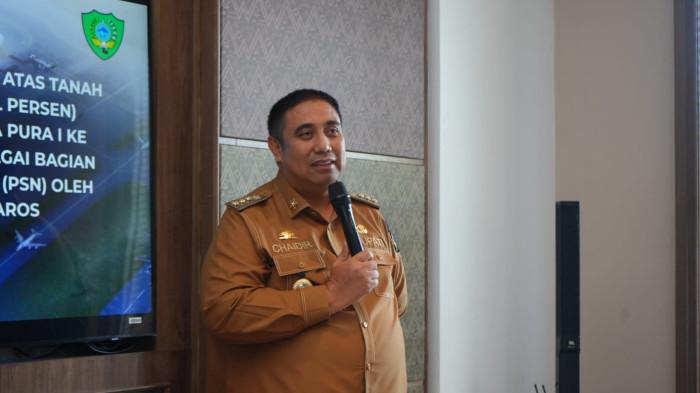
Chaidir Syam Favors France and Portugal for the 2026 World Cup
-
PSM Makassar Midfielder Rifky Dwi Septiawan Picks Spain as Favourite for the 2026 World Cup

-
Riau Parliament Speaker Backs Three Nations as Top Contenders for the 2026 World Cup Title