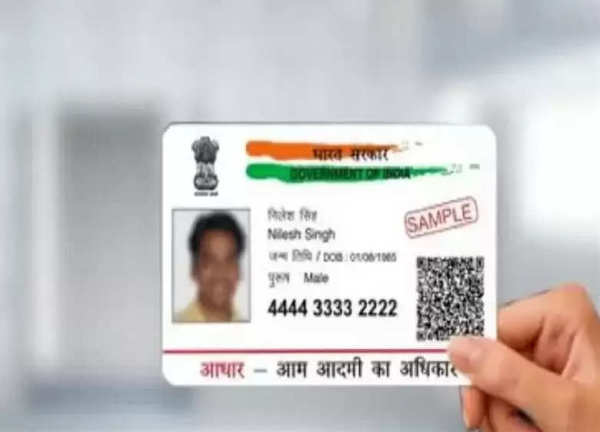
For the Indian public, documents like Aadhaar card, PAN card, ration card, ID card etc. are used for government and non-government work. In such a situation, if we talk about Aadhaar card, then it has become an important document in a few years, which is used for various important tasks like opening an account in the bank, getting a SIM card, taking admission in college and school. But a common problem that people face is losing and damaging the Aadhaar card, which can become a cause of trouble, but luckily you can get a new card, let's know its easy process-
Steps to download your Aadhaar card:
Visit the official website: Visit uidai.gov.in.
Login: On the homepage, look for the "My Aadhaar" section and click on "Download Aadhaar".
Enter your details: Fill in the required information like your Aadhaar number, name and PIN code.
Receive OTP: An OTP will be sent to your registered mobile number. Enter this OTP on the website to verify your identity.
Download PDF: After verification, you will have the option to download your Aadhaar card in PDF format. You can also print it directly from there.
Order PVC Aadhaar Card:
If you prefer a physical card, you can order a PVC Aadhaar card through the same website. There is a nominal fee for this service, and the card will be delivered to your address.
-
Why Is Everyone Playing Padel? Inside India’s Fastest-Growing Sport

-
Maharashtra Expands ‘Vinoba’ Digital Education Platform To 45,000 Schools, Benefiting Over 31 Lakh Students

-
Mithila Palkar On Fame, Films & Finding Her Calling: 'I Always Wanted To Be An Actor'

-
IMD Heavy Rain Alert: Torrential rain alert in more than 20 states of the country from August 2 to 7! Know the weather condition of your state
-
Uttar Pradesh will be flooded! Heavy rain alert issued for these districts