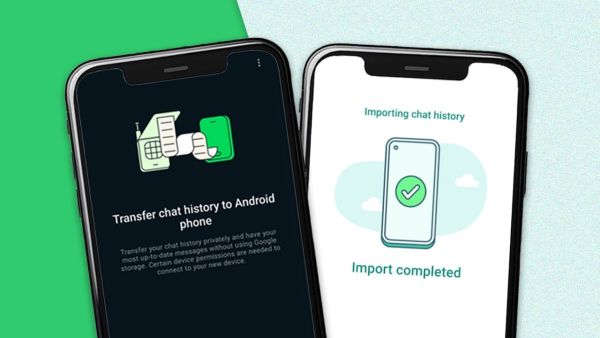
There is no need to repeat that WhatsApp has become an app that is found in almost everyone's phone. You will find the instant messaging app in the phones of everyone from young to old. In such a situation, the problem arises when the phone is changed and it comes to transferring the chat history. But you do not have to worry about this, you will be able to complete this task in minutes. For this, you just have to open WhatsApp in the old and new phone and follow this process.
Transfer WhatsApp Chats from Old to New Phone
If you want to transfer chats from an old phone to a new phone, then quickly follow the steps given below. In this, you will also be able to transfer from Android to Android and Android to iPhone.
- For this, first install WhatsApp on your new phone, then open WhatsApp on your old phone and click on the three dots, go to settings and click on the chat option.
- If you scroll down a bit, you will see the option to transfer chat. Click on Next and the scanner will open. After that, open WhatsApp on the new phone and register with the number.
- Now the option of Transfer Chat History from Old Phone will open in your phone, click on Continue, now scan the QR code that is open in front of you by going to the scanner of WhatsApp of your old phone.
Android to iOS
After following the steps mentioned above, your entire old WhatsApp chat will be transferred to the new phone. If you are unable to transfer chat from Android to iPhone, then you can take the help of Move To iOS app. You will find the Move To iOS app on both Apple App Store and Google Play Store. Keep following the instructions given after opening the app.
-
Massive Blaze Erupts in Midland, Visible from Miles Away

-
McDonald's Revamps Drive-Thru Experience with AI Technology

-
Severe Thunderstorm Watch Issued for Minnesota and Wisconsin

-
Taylor Swift and Travis Kelce wedding to be held at New York's iconic Madison Square Garden?

-
A Record High, India Exported 344 Thousand Tonnes Of Sweet Biscuits In FY 2025-26. See Top Markets