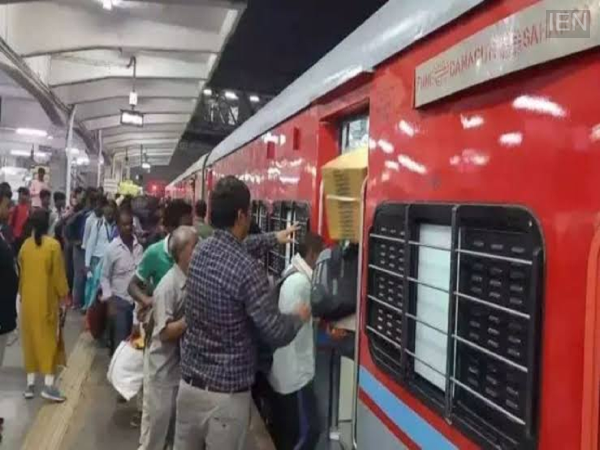
Online Platform Ticket Booking: Many people often visit railway stations to see off friends or relatives boarding a train. A platform ticket is required for this, but people are often deterred by the prospect of queuing at the counter, which consumes a lot of time. Addressing this issue, Indian Railways has simplified the process.
You can now book a platform ticket from your mobile phone in just a few minutes using the new 'RailOne' super app. This facility will be particularly beneficial for those who frequently visit railway stations.
How to book a platform ticket?
- First, download the RailOne app.
- Register using your mobile number.
- If you already have an account, you can log in using your mPIN.
- Go to the 'Journey Planner' section.
- Select the 'Platform' option.
- Choose whether you are currently inside or outside the station.
- In other words, indicate whether you are booking the ticket from within the station premises or from your office, home, or elsewhere.
- Select the name of the railway station.
- Enter the number of passengers.
- Make the payment online.
- Once the payment is complete, your digital platform ticket will be generated in the form of a QR code.
Where will the ticket be saved?
After the digital ticket booking is complete, your ticket will be saved in the 'My Bookings' section of the app. You can display this digital ticket on your mobile whenever needed. This facility will save you a significant amount of time and make obtaining a platform ticket much easier.
-
Leeds United Confront Challenge as Michele Di Gregorio Prefers to Stay at Juventus Despite Transfer Interest

-
Good news for Harry Potter fans! Take a memorable journey in a train like the real Hogwarts Express

-
How to pick the ripe mango

-
This summer’s moon is rewriting the script for four zodiac signs

-
4 Zodiac Signs Attract Luck & Success While Jupiter Is In Leo Until July 2027