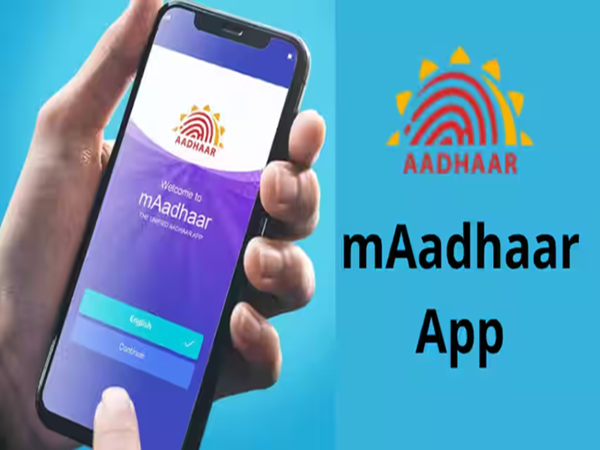
If you use the mAadhaar app on your mobile, here is some important news for you. Please note that this app is being retired starting today, June 30. This means there will be no further updates, and all its services will gradually be discontinued. The UIDAI has shared this information on its official social media handle, X. In the post, the UIDAI advises users to download and use the new Aadhaar App instead.
Why was the new Aadhaar App introduced?
The UIDAI states that the new Aadhaar App is more secure, faster, and easier to use than the previous version. Special attention has been paid to user privacy. Previously, whenever you needed to prove your identity using Aadhaar, you often had to show the entire Aadhaar card or submit a copy. That will no longer be the case. With the new app, you can share only the specific information required. For instance, if a situation demands only your age or name, you can share just that detail. This keeps your other personal information safe and reduces the risk of misuse.
How to download the new Aadhaar App?
The new Aadhaar App is available for both Android and iPhone. You can download it from the Google Play Store or the Apple App Store.
After downloading the app, first select your preferred language.
Next, enter the mobile number linked to your Aadhaar.
You will receive an OTP on your number; enter it to verify the mobile number.
After that, complete the Face Authentication process—your face will be scanned using the camera.
Then, create a 6-digit security PIN for the app. You can also enable options to unlock the app using your fingerprint or facial recognition.
Finally, enter your Aadhaar details and complete the verification process using an OTP once more.
Your Aadhaar App will then be ready for use.
What features does the new Aadhaar App offer?
The new app comes with several new features. The biggest advantage is that you no longer need to show your full Aadhaar card everywhere. You can share specific details—such as your name, address, age, or photograph—based on what is required. This app also enables Aadhaar verification via QR code. This means you will not need to present a physical Aadhaar card or a photocopy for tasks such as hotel check-ins, hospital registrations, age verification, or other identity-related requirements.
To enhance security, the app includes a face authentication feature. Additionally, you can lock or unlock your Aadhaar fingerprint and face biometrics directly from your mobile at any time.
**Track Aadhaar usage history**
The app offers another useful feature: the ability to view when and where your Aadhaar has been used. If you notice any suspicious activity, you can take timely action.
**Add up to 5 Aadhaar profiles on one mobile**
The new Aadhaar app allows you to add up to five Aadhaar profiles on a single mobile device. This feature is particularly beneficial for families who manage Aadhaar details for children or elderly members. Furthermore, the app allows you to update certain details, such as your mobile number and address. More features may be added in the future; therefore, if you are still using the mAadhaar app, it is advisable to switch to the new Aadhaar app as soon as possible.
Disclaimer: This content has been sourced and edited from NDTV India. While we have made modifications for clarity and presentation, the original content belongs to its respective authors and website. We do not claim ownership of the content.
-
Dry Hair Tips: These 6 home remedies will make dry hair silky and shiny, the difference will be visible the first time itself.

-
Use ‘face pack’ made of curd by mixing three things on the face and get improvement in skin tone.

-
Jal Ganga Augmentation Campaign concludes, CM Mohan Yadav gifts Rs 352.65 crore to Rajgarh, inauguration of 31 development works – Bhoomi Pujan

-
Hooliganism of tourists on Mussoorie Mall Road: Drunk Haryana youth beat up local couple, woman’s head injured

-
Why is it said ‘a person of two pennies’ and ‘I will not give even a penny’? Know the surprising history of this famous idiom