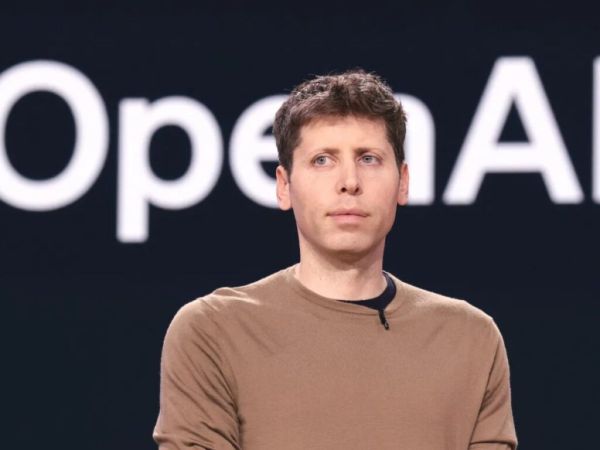
If you have ever wondered whether someone could trick ChatGPT into handing over your personal data without you even knowing it, the answer, unfortunately, is yes. OpenAI knows this too, which is why it just rolled out something called Lockdown Mode.
The Attack You’ve Probably Never Heard Of
Prompt injection sounds like something out of a sci-fi film, but it is very real and surprisingly low-tech in how it works. Bad actors hide instructions inside webpages, uploaded files, or other content that ChatGPT reads. The AI sees those hidden commands and, without realising anything is wrong, starts following them. Next thing you know, your login details or address could be on their way out.
It is a bit like someone slipping a fake sticky note into your colleague’s inbox hoping they will act on it without checking where it came from.
So What Does Lockdown Mode Actually Change?
Here is the honest bit: Lockdown Mode does not stop these hidden instructions from getting into ChatGPT’s view. What it does is cut off the escape route. Once an attacker has tricked the AI, they still need to pull the data out somewhere. Lockdown Mode blocks that step by tightly limiting the connections ChatGPT can make to outside servers.
Web browsing inside ChatGPT gets restricted to saved, cached content only. Nothing goes out to a live website that OpenAI does not control. Some features are switched off entirely if OpenAI cannot confidently say your data is safe while using them.
OpenAI has been upfront that this is not a feature most people will need or even notice. It is aimed at people handling genuinely sensitive information, think executives, healthcare workers, legal teams, anyone where a data leak would be a serious problem.
How to Switch It On
It is free to use. The feature is rolling out to all personal accounts including those on the free plan, Plus, Pro, and Go, as well as self-serve Business accounts. If you want it, head into ChatGPT settings, tap Safety and Security, then look for Advanced Security. You will see the Lockdown Mode toggle there. If it is not showing up yet, it has not reached your account, but it should soon.
If you switch it on and then want to turn it off just for one conversation, there is a Manage option above the chat window that lets you do exactly that.
OpenAI has also added Elevated Risk labels, small warnings that pop up before you do something that could be risky, like clicking an external link or connecting to another service.
Prompt injection is a genuinely tricky problem to fully crack, and OpenAI has admitted as much. But Lockdown Mode at least gives users something to hold on to while the bigger fix is still being worked out.
AI Industry Faces New Debate as Experts Call for Stronger Regulations and Safety Measures
Syed Ziyauddin is a media and international relations enthusiast with a strong academic and professional foundation. He holds a Bachelor’s degree in Mass Media from Jamia Millia Islamia and a Master’s in International Relations (West Asia) from the same institution.
He has work with organizations like ANN Media, TV9 Bharatvarsh, NDTV and Centre for Discourse, Fusion, and Analysis (CDFA) his core interest includes Tech, Auto and global affairs.
Tweets @ZiyaIbnHameed
The post OpenAI Introduces Lockdown Mode: Protect Users From Prompt Injection Attacks, Check Details And Eligibility appeared first on NewsX.
-
Hardik Pandya Declared Fit: CoE Gives Clearance Ahead of Afghanistan Series

-
Odisha Vigilance Unearths 5 Palatial Buildings, 13 High-Value Plots During Raid On ITDA Engineer

-
1,174 Indians deported from US so far in 2026

-
Instagram's new AI feature is not able to create 'light glow photos', know why this is happening?
-
The 28th installment of the Mahtari Vandan Yojana has been released; have the ₹1,000 reached your account?