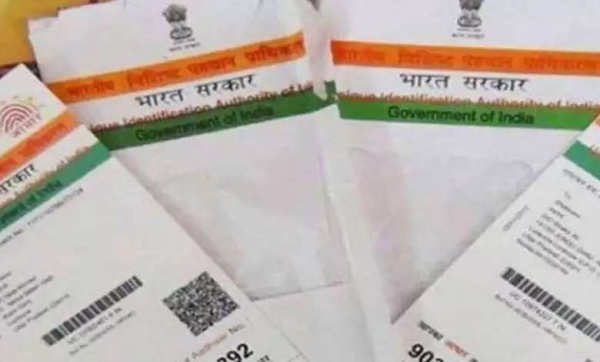
Various types of documents like Aadhaar card, PAN card, ration card etc. are important for Indians, which are used in various government and non-government works. If we talk about Aadhaar card, then it is used to open an account in the bank, get SIM card, take admission in school and college. Perhaps this is the reason that today more than 90 crore people have Aadhaar card, in such a situation, the fraud caused by it has also increased a lot, to avoid this, you can lock your Aadhaar card, let's know its easy process-
Steps to lock your Aadhaar
Visit UIDAI website: Visit the official UIDAI website. On the homepage, go to the "My Aadhaar" tab to access various services related to your Aadhaar card.
Select the Aadhaar lock and unlock option: From the list of available services, click on the "Aadhaar lock and unlock" option.
Select VID Lock: Next, choose the option to lock or unlock your Aadhaar using the VID (Virtual Aadhaar ID) process.
Enter the required details: You will be asked to enter the following details:
Virtual Aadhaar ID
Full Name
PIN Code
Captcha Code
OTP Verification: After entering the details, click on “OTP”. An OTP (One-Time Password) will be sent to your registered mobile number. Enter this OTP to complete the process.
Submit and Complete: After entering the OTP, submit the details to lock your Aadhaar. Your Aadhaar will now be locked, and no one will be able to use it for authentication.
Disclaimer: This content has been sourced and edited from [AjjTak].
-
Hotel in famous UK seaside town on sale for £1m - owned by same family for nearly 70 years

-
State pension age rise to 68 likely to be fast tracked as 'problem gets worse'

-
Emmerdale Kelvin Fletcher's return 'sealed' in Dr Todd twist

-
A Shocking Tale of Betrayal and Fortune: How a Woman's Life Changed Overnight

-
Crisis for Labour in UK mining town as party set to lose to Reform after 27 years