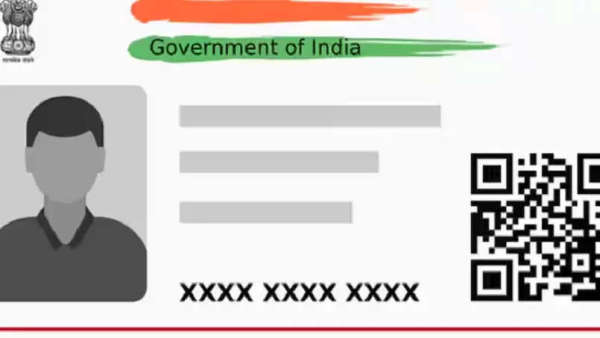
As we all know the Aadhar card, PAN card, ration card, etc. are important documents for Indians, in such a situation, talking about Aadhar card, is useful for various tasks, like buying a mobile SIM, opening a bank account or taking advantage of government services, Aadhar card is necessary. Due to sensitive information like your name, address, date of birth, fingerprint, and photo being stored in the Aadhar card, there is always a risk of misuse or leakage of personal information. If you want to avoid these frauds, then keep your cards safe, let's know-how
Purpose of locking biometric data
Locking your Aadhaar biometric data (fingerprint and iris scan) ensures that no one can use this information for authentication without your consent. Only you can unlock it when required for specific services.
How to lock your Aadhaar biometric data
Visit the official UIDAI website: Visit the UIDAI website and click on "My Aadhaar".
Select Aadhaar Services: Click on "Aadhaar Services" and select the "Secure your Biometrics" option.
Select the Biometric Lock/Unlock option: Click on "Biometrics Lock/Unlock", then enter your 12-digit Aadhaar number. After that, complete the captcha verification.
OTP Verification: An OTP will be sent to the mobile number linked to your Aadhaar. Enter the OTP to proceed.
Lock your biometric data: After logging in, you can confirm the action to lock your biometric data. Your biometrics will be securely locked.
-
Madhuri Dixit’s amazing style: unmatched even at the age of 58

-
IPS Transfer: These 4 IPS officers were transferred, got new responsibilities, see the list here

-
Crowd gathered on the streets of Banaras! PM Modi did a grand road show in Kashi, bowed his head in the court of Baba Vishwanath

-
Crunchyroll launches on Galaxy Play in Vietnam

-
Kubra Khan’s ‘Tableeghi’ pronunciation clip goes viral