
The Aadhaar card is an important document for every citizen of the country in India. Aadhar card is used almost everywhere and for every important government and private work. But it is not possible to keep the Aadhar card with you all the time, there is also a fear of losing or stealing the Aadhar card. In such a situation, you can use e-Aadhaar card. Here we are telling you about how to download e-Aadhaar and where it can be used.
What is e-Aadhaar?
E-Aadhaar works as an address and identity proof just like Aadhar card. It contains all the information like Aadhar card and is digitally signed and authorized by UIDAI. In simple words, e-Aadhaar is a secure, password protected and digitally signed copy of the Aadhar card. That is, e-Aadhaar is the digital form of the physical Aadhar card. It can be stored in the phone itself. That is, there is no need to keep any separate document apart from the phone.
Where can e-Aadhaar be used?
The physical form of e-Aadhaar is as valid as the Aadhaar card. It can be used as proof of identity, i.e. as proof of identity wherever required. At the same time, passport can be used as proof of address and photo-identity for passport application. Apart from this, it can also be used for offline verification. E-Aadhaar is now being used a lot from demat accounts to private offices.
Follow these steps to download your e-Aadhaar
1. Download and install the mAadhaar app from Google Play Store or Apple App Store.
2. Now open the app and enter your 12-digit Aadhaar number or 28-digit EID number.
3. Enter your registered mobile number and click on “Generate OTP”.
4. You will receive an OTP on your registered mobile number. Enter the OTP and click on “Verify”.
5. Click on “Download Aadhaar”.
6. Enter your Aadhaar password and click on “Submit”.
7. Your e-Aadhaar will be downloaded in PDF format. You can view it in any PDF reader app.
-
Madhuri Dixit’s amazing style: unmatched even at the age of 58

-
IPS Transfer: These 4 IPS officers were transferred, got new responsibilities, see the list here
-
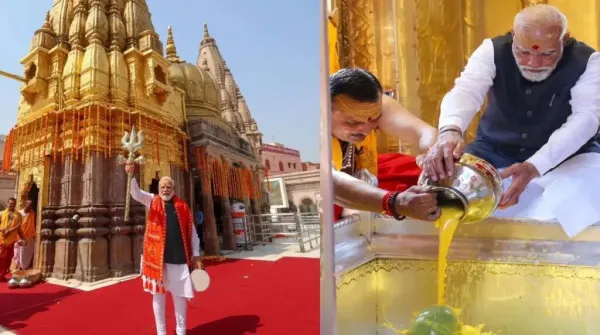
Crowd gathered on the streets of Banaras! PM Modi did a grand road show in Kashi, bowed his head in the court of Baba Vishwanath
-
Crunchyroll launches on Galaxy Play in Vietnam

-
Kubra Khan’s ‘Tableeghi’ pronunciation clip goes viral