
National Payments Corporation has introduced a feature called UPI Circle so that one UPI account can be used by multiple individuals.
In a family with more than one member but having only one bank account, it is difficult for everyone to use the same UPI. A UPI app is installed only on one's phone so others cannot use it. Considering this situation, National Payments Corporation has introduced a feature called UPI Circle so that one UPI account can be used by multiple persons. UPI Circle is for individuals who do not own a bank account or use only one bank account. Through this, the UPI account holder can provide the facility of paying through UPI to senior citizens, children, spouse or other family members. Under this, a primary user can allow a maximum of 5 people to perform UPI transactions.
How to use UPI Circle?
Open the UPI app and click on 'UPI Circle'. Then click on 'Add Family or Friends' button. Next, you will get two options to add family members or friends 1. Scan the QR code or enter their UPI ID.
If selecting the UPI ID option, click on 'Add to My UPI Circle' while entering the UPI ID. After this, you will be asked to type the phone number of the person you want to add. Make sure that person is in the contact list.
You will get two options: 'Spend with limit' or 'Approve every payment'. In the first option, a limit can be set for transactions and in the second option all transactions must be approved. Choose one of these as per requirement.
If you select 'Spend with Limit', you will need to fill in the monthly spending limits, authorization expiry date and bank account details. After that, enter the UPI PIN and complete the process. Thus, the second user can be added to the UPI circle
-
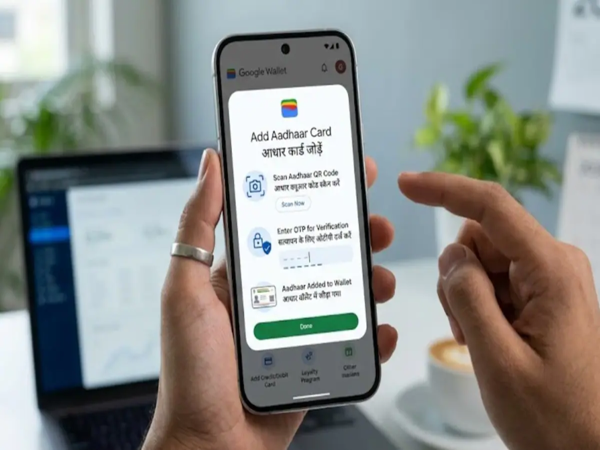
Adding Aadhaar to Google Wallet is Now Easy: Here's the Complete Guide and Its Benefits..
-
Now Get Heavy Rainfall Updates on Your Mobile: Learn the Right Way to Use the 'Mausam' App..
-
RSSB Teaching Associate Vacancy 2026: Registration for Teaching Associate posts in Rajasthan begins today, May 5..

-
Bihar Police Recruitment: Registration Begins for Havildar Instructor Posts; an Opportunity for 12th-Pass Youth..

-
Manish Malhotra Honours Mumbai At Met Gala 2026 Red Carpet In Indian Bandhgala, Dramatic Cape With 3D Artisans