How Paytm users can create new UPI IDs by linking their bank accounts?
CNBCTV18 | October 25, 2024 10:41 AM CST
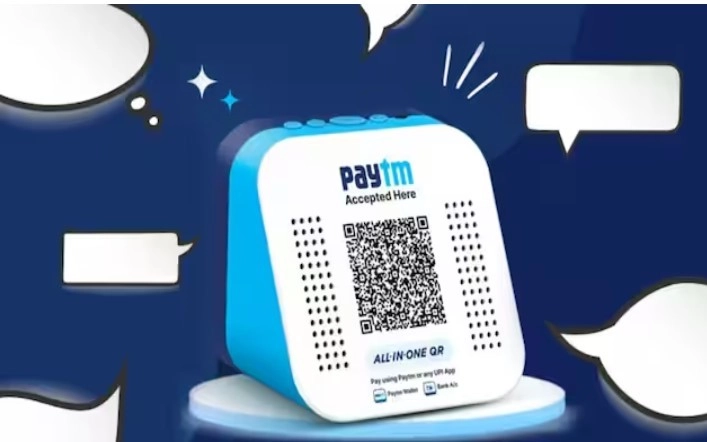
Paytm users can now create new UPI IDs by linking their bank accounts directly through the app.
Paytm, owned by One97 Communications Limited (OCL), has launched the onboarding of new Unified Payments Interface (UPI) users on its app. This move follows approval from the National Payments Corporation of India (NPCI) on October 22, allowing Paytm to start linking new users to its UPI service.
Paytm users can now create new UPI IDs by linking their bank accounts directly through the app.
How to get your UPI ID on Paytm:
- Enter Mobile Number: Open the Paytm app and enter your mobile number.
- Verify with the OTP received.
- Link Your Bank Account: Choose the option to link your bank account and activate Paytm UPI.
- Select Primary Account: Pick the bank account you want to use for UPI transactions.
- Complete Setup: Your UPI ID is now created. It will end with @pthdfc, @ptaxis, @ptsbi, or @ptyes based on your bank.
Users can get peer-to-peer (P2P) payments and merchant transactions through Paytm.
The app supports UPI Lite for transactions under ₹2,000 daily, RuPay credit card linking, and auto-pay features. Additionally, users can check balances and transfer between their accounts with ease.
READ NEXT
-
Tanner Horner sentenced to death for kidnapping and murdering Athena Strand

-
Unverified Reports of Shooting at Cincinnati Church Raise Concerns

-
Arc Raiders gets another update as fans discover potential new map - 1.27.0 patch notes

-
The Inspiring Journey of The Great Khali: From Stonebreaker to Wrestling Icon

-
Princess Kate unveils first overseas royal trip since cancer diagnosis