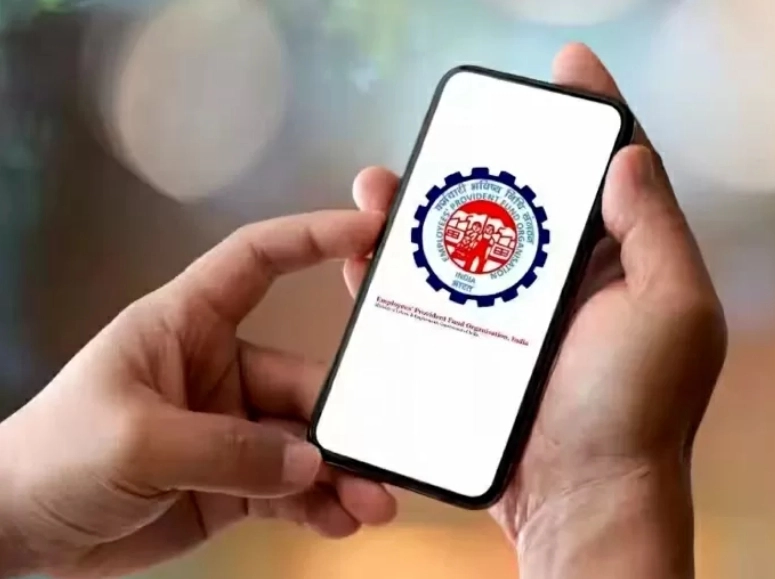
EPFO members can complete many tasks related to PF through online mediums. But for this, e-nomination must be completed. EPFO members can fulfil all their needs like online withdrawal, advance withdrawal and pension claims through the eSewa portal or EPFO app Umang App.
New Delhi: The Employees Provident Fund Organization (EPFO) is constantly trying to improve its subscriber experience. Now all the facilities related to EPFO will be available to the subscriber sitting at home. EPFO members can settle many tasks related to PF through online mediums. But for this e-nomination must be completed. EPFO members can fulfil all their needs like online withdrawal, advance withdrawal and pension claims through the eSewa portal or the EPFO app Umang App. Apart from this, members can easily monitor their PF accounts using the Umang app on their mobile. Members should keep in mind that there are specific eligibility criteria for each type of withdrawal.
How to use the Umang App
First of all, EPFO subscribers have to download the Umang app from the Google Play Store. After this, log in with the help of your Aadhaar number and password. After this, the user will get an EPFO list, in which select your need, such as checking your PF balance, submitting a claim, or updating your KYC details. After this, follow the instructions given on the screen for further processing. Let us tell you that through the Umang app, you can also check the status of your PF withdrawal request.
This is how you can withdraw PF money from your home
- To withdraw the amount in your PF account through the Umang app, you have to log in with your UID number and password.
- After this, select your claim option in the service list.
- Enter your UAN number and the OTP sent to your registered mobile number.
- Choose the type of withdrawal you want to make.
- After this, fill in the information asked and make a request.
- After this, you will get a request number.
How to use the e-service portal
- Apart from this, you can also fulfil all the needs related to PF through the e-service portal https://unifiedportal-emp.epfindia.gov.in/epfo/.
- First of all log in with your UAN and password. Enter the captcha and click on the ‘Sign in’ button.
- After this, click on the ‘Manage’ tab and select ‘KYC’ to know whether your KYC details are verified or not.
After the KYC details are verified, go to the ‘Online Service’ tab and select the option as per your requirement from the drop-down menu.
After this, KYC details along with other details will start appearing on the screen. After this, follow the instructions given.
-
Man dies after electric 2-wheeler explodes while charging in Bengaluru
-
Stop Wasting Ginger: 4 Simple Tricks to Keep It Fresh and Juicy All Summer
-
Karnataka min instructs temporary closure of trekking trails, thoroughfares with wildlife movement

-
Chhatrapati Sambhajinagar Municipal Corporation Demolishes Illegal Constructions Linked to AIMIM Councillor

-
Madhya Pradesh Chief Minister Reduces Vehicle Count in Response to PM Modi's Call for Frugality