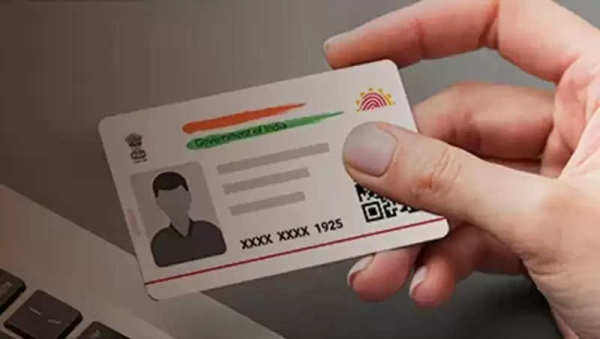
Are you still using a regular Aadhaar card? If yes, then you should know about the masked Aadhaar card. It is related to your privacy.
What is a masked Aadhaar card?
The masked Aadhaar card is different from the regular Aadhaar. While on the regular Aadhaar card, the Aadhaar number of the Aadhaar card holder is seen in 12 digits. On the other hand, in the masked Aadhaar card, keeping in mind the privacy of the Aadhaar card holder, the next 8 digits are kept hidden in the form of xxxx-xxxx. At the same time, only the remaining 4 digits are showcased.
The masked Aadhaar card is a secure version of the regular Aadhaar card. This Aadhaar card includes the name, address, gender, DOB, and QR code of the Aadhaar card holder just like the regular Aadhaar card. The masked Aadhaar card has the signature of UIDAI. Therefore, there is no problem in accepting this version of the Aadhaar card.
Where can you use a masked Aadhaar card?
Masked Aadhaar card can be used as proof of address for KYC or verification process. Where 12 digit Aadhaar number is not required. If you are applying for a personal loan, then you can use a masked Aadhaar card. A masked Aadhaar card can be used for ID while booking a hotel. Apart from this, this document can be used for identification in airports and trains.
Where to download masked Aadhaar card
If you use the mAadhaar app, then you can download your masked Aadhaar card with the help of this app on this smartphone. If you do not have the app on your phone, then you can download the mAadhaar app from the Play Store-
First of all, the app has to be downloaded and set up.
Now the app has to be opened on the phone.
Now you have to tap on Download Aadhaar.
Now you have to select masked Aadhaar from regular Aadhaar and masked Aadhaar.
Now you have to enter the Aadhaar number information.
Now you have to enter the security captcha and tap on Request OTP.
Now after entering the OTP, you have to tap on Open.
Now to open the PDF, you have to enter the first four letters of your name in capital letters and the date of year password.
Now you can get this Aadhaar card printed or keep it saved in the phone itself.
-
DC Vs CSK Match Prediction, Playing 11, Top Picks

-
Victoria has announced its men’s team for the 2026-27 season

-
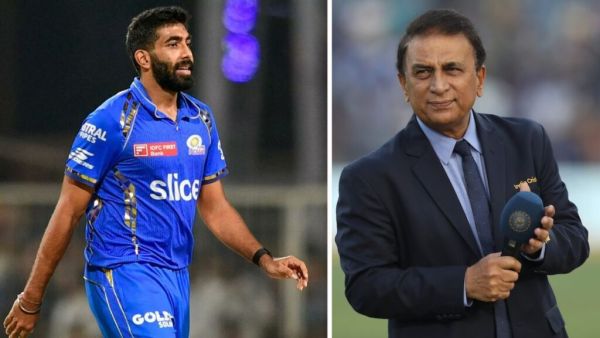
IPL 2026: What happened in the 14th over that Gavaskar got furious at Bumrah; The veteran did not like this
-
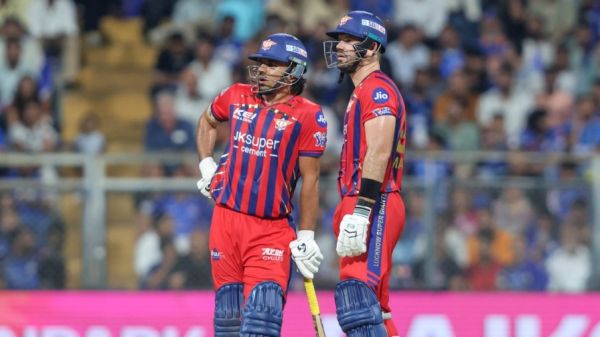
LSG was stuck, this unknown player took over the innings, who is Himmat Singh?
-
Will Shubman Gill’s head be decorated after IPL 2026? The captain himself replied
