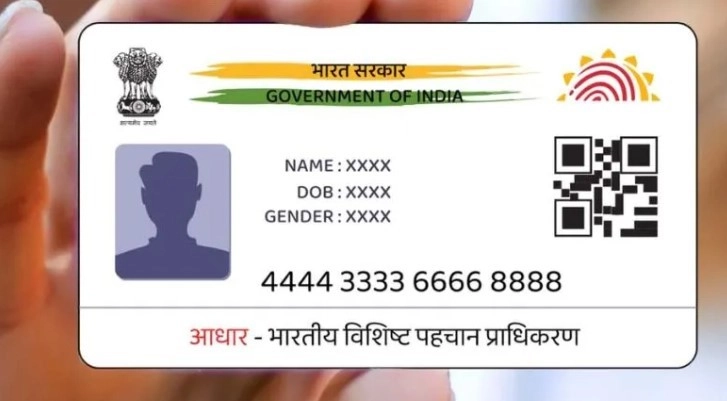
In today's time, Aadhaar card has become an important document. Aadhaar card is used in most places to verify identity. If you have changed your mobile number and you do not remember which number is linked to Aadhaar, then you can easily find it out.
In today's time, Aadhar card has become an important identity card in the country. Whether it is admission in school, opening a bank account or joining a job, Aadhar card is now required for verification everywhere. Even if you take a house on rent, you have to give Aadhar card for verification. If any details in the Aadhar card are wrong, then it can cause a big problem.
If you want to take advantage of any government scheme, then Aadhaar card is required there too. For your work to be done easily, it is necessary that your mobile number is linked to your Aadhaar. Many times it happens that we have to get a new number for some reason. After a few years, we do not even remember properly which number is linked to our Aadhaar.
If you have also changed your number and you do not remember which number is linked to the Aadhaar card, then now your tension is about to end. We can easily find out which number is linked to the Aadhaar card by following some simple steps.
Find out the mobile number in this way
Let us tell you that the Unique Identification Authority of India gives the facility to users to verify email and mobile number. You can find out the number linked to Aadhaar yourself from your phone while sitting at home.
- To find out the number linked to Aadhaar, you will first have to visit the website of the Unique Identification Authority of India.
- Now you have to click on the option of My Aadhaar in the top bar.
- In My Aadhaar you will find the option of Aadhaar Services. Tap on it.
- In the next step you have to click on Verify Email/Mobile Number.
- Now you have to fill your Aadhar number, mobile number and captcha and click on enter button.
- If the number you have given is linked to Aadhaar, then you will get its information on the screen.
- If the number is linked then you will get a message “The mobile number you have entered is already verified with our records”.
- If your number is not linked to Aadhaar then you will get a message “The mobile number you have entered does not match with our records”.
-
20-Year-Old IIIT Nagpur CSE Student Dies By Suicide After Jumping From Hostel Terrace; Police Probe Case

-
Who Will Face Off Against Salman Khan In SVC63 - Fahadh Faasil Or Akshaye Khanna?

-
'Ho Jaata Hai Kabhi…': Priyanka Chahar Choudhary Reacts To Naagin 7 VFX Blunder As Blue Screen Scene Sparks Troll Storm

-
Saturn’s Influence in May 2026: 4 Zodiac Signs Need to Be Extra Careful This Month

-
Thalapathy Vijay's wife Sangeetha Sornalingam Net Worth: TVK chief's spouse owns 3 kg of gold, properties in UK & crores in FDs