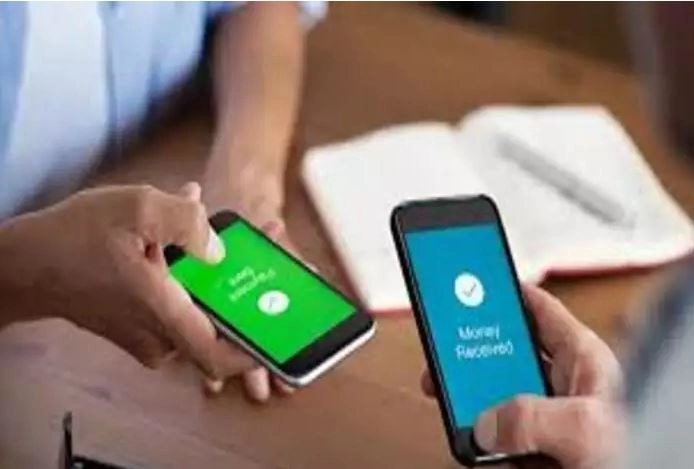
Tech News Desk, Want to make payment to someone but don't have internet? Don't worry, you can make payment. You will not need internet or WiFi to make payment. By setting this in your phone, you will be able to complete your payment without internet. For this, you just have to dial *99#. After this, you can easily make transactions without internet. Here we are telling you the complete process for this, you can do it by following this process.
Make payment without internet like this
*99# is a USSD mobile banking system which gives you the opportunity to make offline payments. Dial *99# from the same number in your smartphone which is linked to your bank account.
Now dial 1 from the options shown on the screen. After this, enter the details of the UPI ID to which you want to send money.
After doing this, enter the UPI PIN and continue. After the PIN is verified, you will be able to make your payment. Keep in mind that you can transfer only 5000 rupees through this.
In this, you get the option of 13 languages. With this, you can not only make payment, but you can also change your UPI PIN.
Apart from this, try this too,
if you do not want to do the process mentioned above, then you can also do UPI through IVR number. To do this, you just have to call on this number (6366 200 200). After this select the Pay to Merchant option, now click your mobile phone on the merchant's device (POD). When the phone rings, press the # button, then enter the amount and enter your UPI PIN. You can also verify this payment through an IVR call.
-
Cooked lentils spoil quickly in summer, so follow these easy tips, it will remain fresh for a long time.

-
5 Zodiac Signs Experiencing The Best Horoscopes All Week, From May 11 – 17, 2026

-
World’s second richest country unveils $584M tourism push after record visitor spending

-
Only 11 runs in 30 balls, batting like a test match in T20, Delhi Capitals broke CSK’s record

-
Top 10 Things You Didn’t Know About Shubman Gill