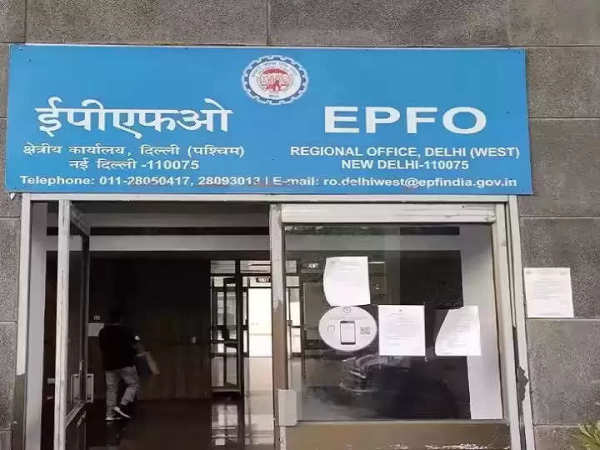
To do any work related to EPFO, it is very important for the mobile number registered in your PF account to be active because EPFO sends OTP on this number. If the mobile number registered in the EPFO account no longer works, do not worry, you can easily change it sitting at home.
Employees' Provident Fund Organization (EPFO) members now get most of the facilities online. If there is any kind of information, it comes from the registered mobile number. All the work related to EPFO is done through the website or the Umang app. But to do any work related to EPFO, it is very important for the mobile number registered in your PF account to be active because EPFO sends OTP on this number.
Further processing can be done only after filling the OTP. At the same time, any kind of information from EPFO also comes through SMS on the registered number only. But if your registered number is no longer active and you want to update the new number instead, then you can easily do this work sitting at home. Know its method here.
Update the new mobile number like this
First of all open UAN Portal on your laptop or mobile. Its link is- https://unifiedportal-mem.epfindia.gov.in/memberinterface/ After this, log in by entering your UAN number, password, and captcha code.
After this, a page will open in front of you. On this page, click on the manage tool tab present in the top bar and go to contact details.
After this click on check mobile number option. A new section will open. Here you will have to enter your new mobile number twice.
Now click on ‘Get Authorization Pin’. As soon as you click on it, you will start seeing a new number. You will get a 4-digit PIN on this number. Fill this PIN in the empty box present on the page and click on Save Changes below.
After completing this process, your mobile number will be updated on the UAN Portal. After this, you will also get a message from EPFO about updating the new number.
Follow our Whatsapp Channel for latest update
https://whatsapp.com/channel/0029VaBgLMfGU3BO99EQv62t
-
PM Modi's Call For Desi Travel! Explore These 5 Odisha Gems This Summer

-
Wanted Criminal Shot In Leg After Firing At Police During Vehicle Check In Odisha's Burla
-
CID joins probe into Shivananad Neelannavar case in Belagavi

-
Two drunk youths assault auto driver in Bengaluru over minor issue
-
Assam Man Arrested in Bengaluru for Alleged Murder of Woman