Although many amazing features have been given in the most used instant messaging app WhatsApp in the world, there is also a feature that is slowly eating up the storage of your mobile phone. Do you know what is the name of this feature and how can you stop this feature from eating up storage? Even without saving anything in the mobile, the storage of the smartphone is getting full but you are not able to understand why this is happening. So let us tell you which WhatsApp feature can be behind this.
The name of this feature is WhatsApp Media Visibility, whenever you receive any photo or video on WhatsApp and as soon as you open that photo or video, it automatically starts getting saved in the gallery of your phone. In this way, the phone storage starts filling up gradually and you get upset, but there is also a way to overcome your problem, what is this way? Let us know.
Save mobile storage from getting full like this.
If you also want the phone storage not to be full, then for this you have to open WhatsApp. After opening the app, click on the three-dot icon visible on the top right side, after that select the Settings option. Go to the Chat section in the Settings option, as soon as you open this section, you will see the Media Visibility option in the Chat Settings section. If you also want to save phone storage, then turn off this option.
Note
After turning off this feature, whatever video and photo you receive on WhatsApp, will not be automatically saved in the phone gallery, which will save your phone storage from getting full.
Disclaimer: This content has been sourced and edited from TV9. While we have made modifications for clarity and presentation, the original content belongs to its respective authors and website. We do not claim ownership of the content.
-
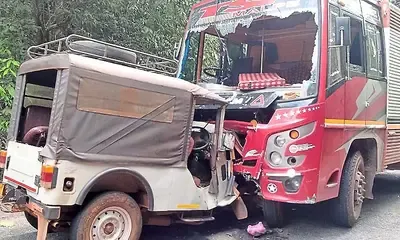
Two women killed, several injured in jeep-lorry collision near Kollur
-
Padangady: Woman killed in horrific accident

-
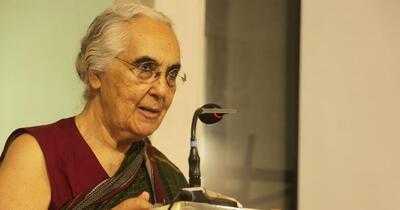
Romila Thapar's memoir: How the historian was made to retire from the Prasar Bharati board
-
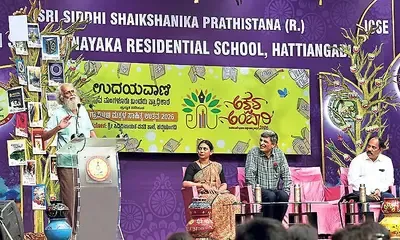
Language is the foundation of imagination: Prof K.P. Rao at Akshara Ambari valedictory
-
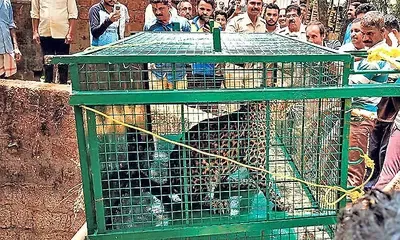
Leopard rescued after falling into well at Jensale in Siddapur