Whatsapp Status Song: How will the song be song on WhatsApp States?
Rahul Tiwari | March 31, 2025 7:21 PM CST

If you want to apply the status singing like Instagram on WhatsApp, then you have fun now. WhatsApp has started a new feature for its users. In which you can put any song of your choice on the states. Before the arrival of this update, you have to edit the song on a third party app. But now there will be an option to upload the song on WhatsApp itself.
How to sing in Whatsapp?
- The process of singing on WhatsApp status is quite easy. You will get this in front. It will work like Instagram and Facebook. Meta has made it very easy for WhatsApp users.
- Open WhatsApp for this. Click on updates in the option being showed on the right side.
- After doing this, also click on the option of Add Status. Now select your photo from the gallery which you want to put on the states.
- Do this after selecting the photo. You will get a music icon show in the left side upwards on the status editing screen. Click on the music icon. Here in the searchbar, search the song that wants to put on the photo. Select the song.
- After selecting the song of your choice, select the part of the song that you need. You can choose the final part from the track.
- By clicking on the done, the status will be sung. Now click on the sand option given in the corner below. After this the status will be uploaded.
- Not only a photo on WhatsApp can also be applied on the video. In the new feature, a 15 -second song can be comfortable on the photo. In the video, you can upload 60 seconds of song on status.
In this way, you can add songs like Instagram and Facebook States on the photos and videos of WhatsApp States.
READ NEXT
-
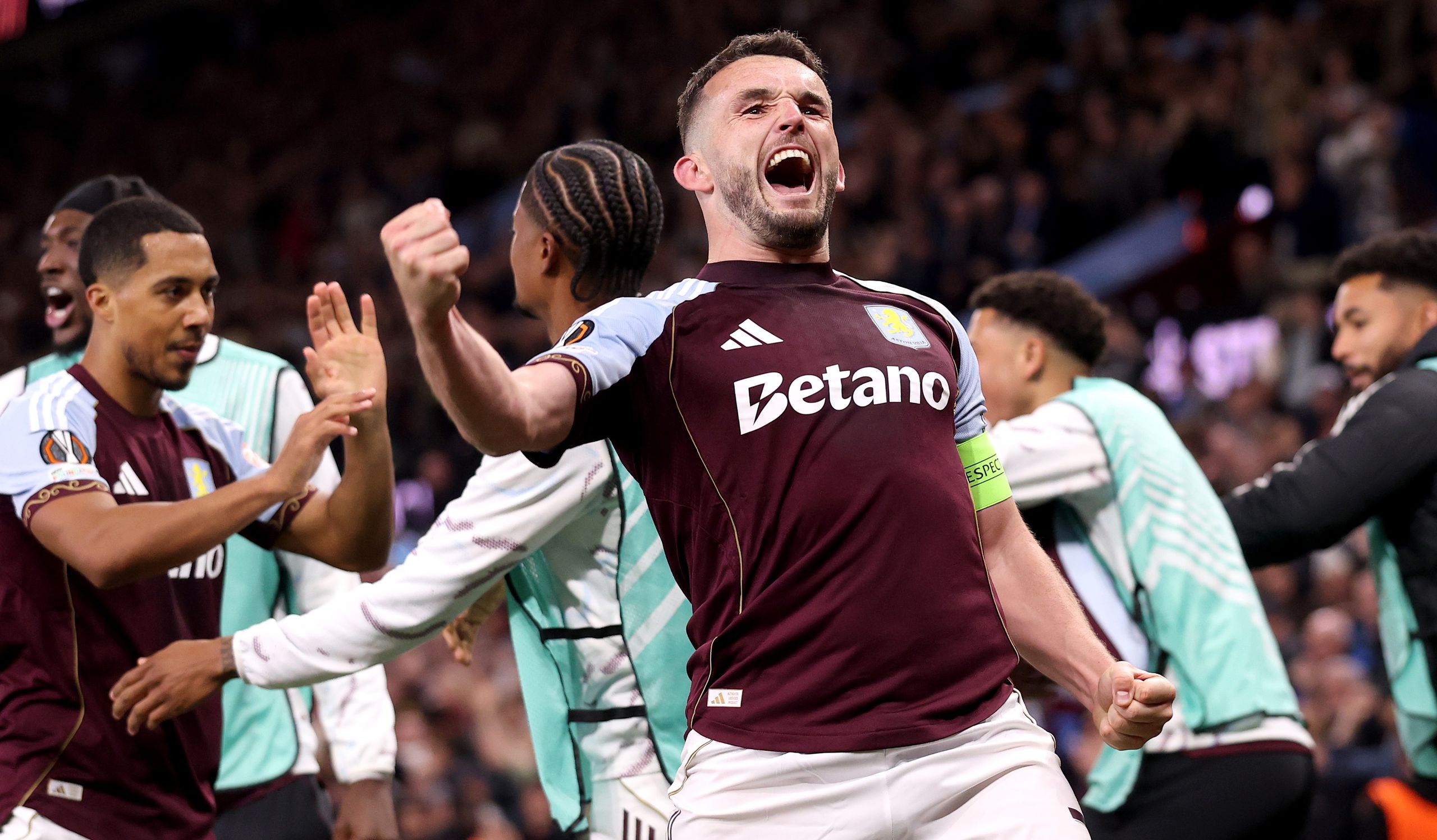
Unai Emery’s Tactical Brilliance or Pure Belief? Aston Villa’s Europa League Journey Speaks for Itself
-
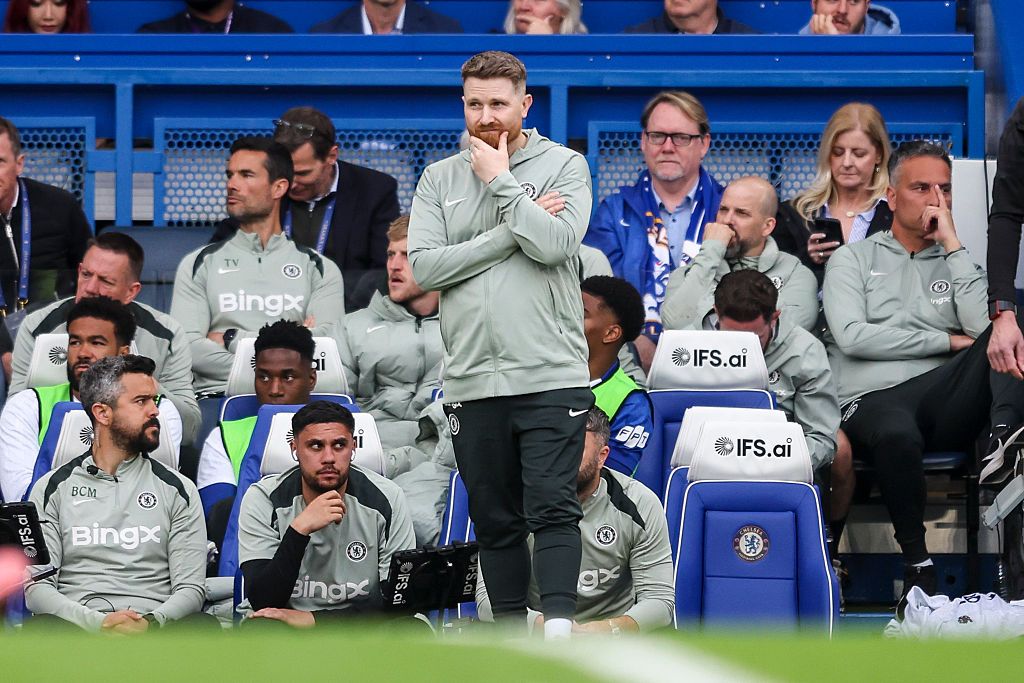
Caretaker Managers Who Lifted Major Trophies: The Rare Company Chelsea’s Calum McFarlane Aims to Join
-
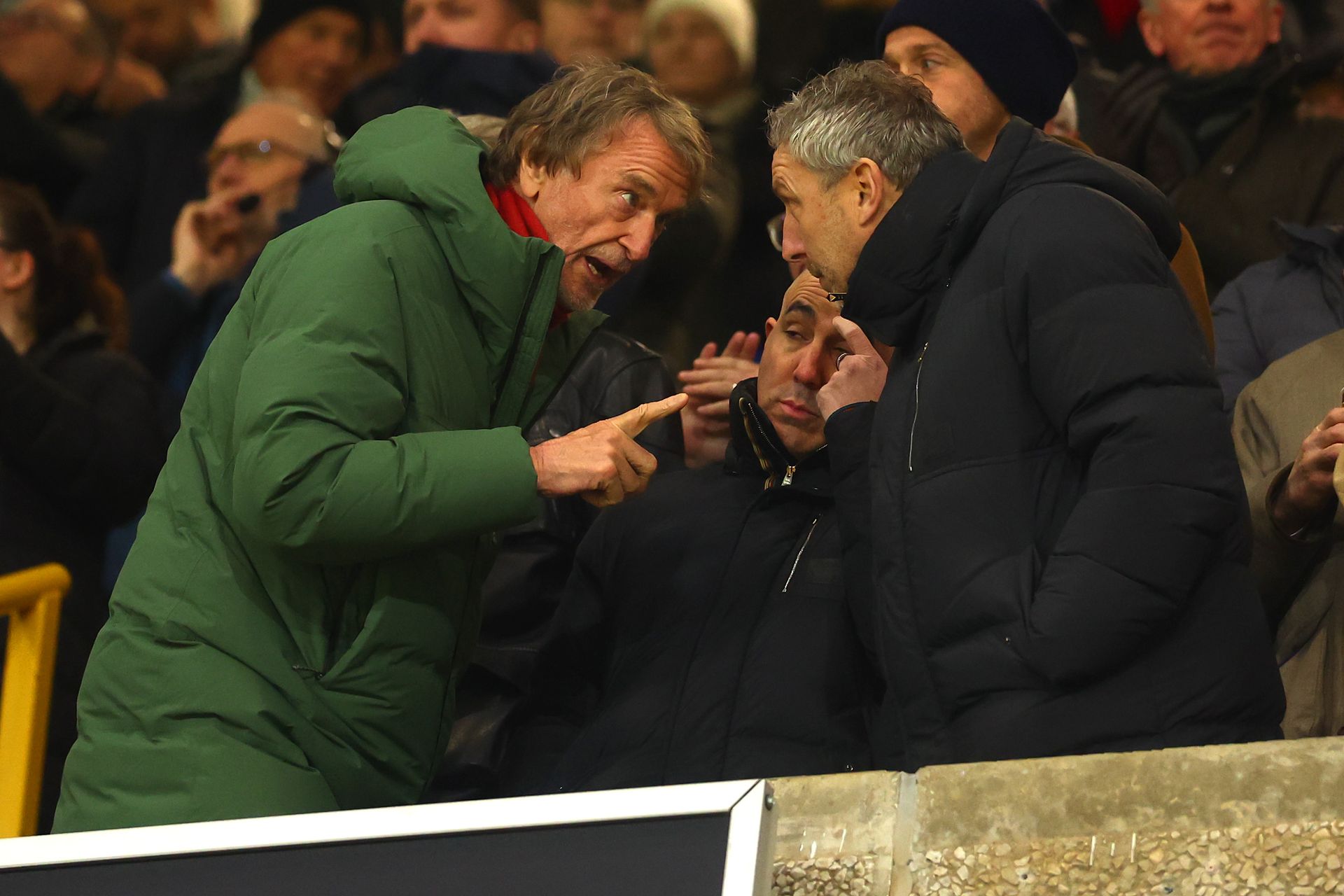
Manchester United plan three-year deal for Michael Carrick despite Jim Ratcliffe’s doubts: report
-
Football Managers and Future Moves: Guardiola’s Next Step and Club Reactions

-
Real Madrid linked with surprise move for Manchester City star Josko Gvardiol amid transfer speculation