
By jitendra jangid- In today's digital world, WhatsApp has become an instant messaging app, through which you can transfer photos, documents, money, WhatsApp has more than 3 billion users in the world. WhatsApp brings new features for these users. With increasing concern of breach of privacy, It is necessary to take additional precautions to protect your interaction. WhatsApp Provides many features that can help you to protect your chat from leaking. The most effective way to do this is to enable two-step verification facility. Let's know the complete details about it
Why do you need two-step verification: Two-step verification your WhatsApp An additional layer of security adds to the account, Which makes it difficult for anyone to get unauthorized access to your chat.
WhatsApp Stages to enable two-step verification on:
WhatsApp Open the setting: On your phone WhatsApp Start by opening the app.
Select account option: From the setting menu“Tap on the account “option.
Choose two-step verification: In account settings, You will get the “two-step verification” option. Tap on it.

Turn on two-step verification: After going to two-step verification settings, Choose “enable” to activate the feature.
6-Set the digital pin: To you 6-Will be asked to make a digit pin. Whenever you try to log in to your account, So you have to put this pin.
Enter your email ID: WhatsApp Will ask you to provide an email address. If you forget your pin, So it will serve as backup.
Save your settings: After entering your email id, Be sure to save your settings. You are fully ready!
Disclaimer: This content has been sourced and edited from (ZeeNewshindi)
-
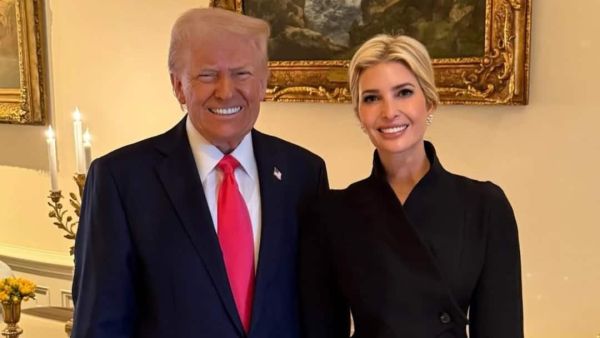
Iran-Trained Operative Accused Of Plotting To Kill Donald Trump's Daughter Ivanka: Report
-
SRH Vs RCB: Sunrisers Thrash RCB In Hyderabad; Patidar & Co Still Secure Top 2 Finish

-
Aishwarya Rai Bachchan Returns To Cannes Film Festival 2026 Red Carpet In Dupatta-Style Gown Which Took '1500 Hours' To Create

-
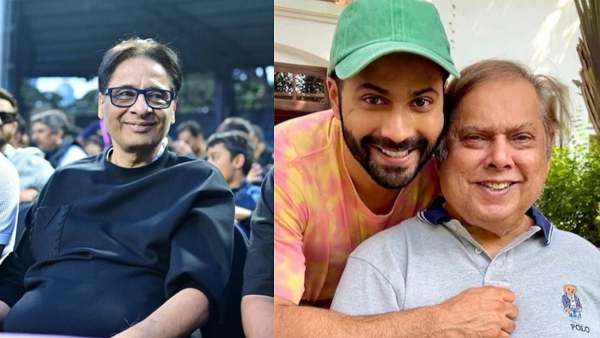
Vashu Bhagnani Claims Coolie No. 1 Caused Rs 27 Crore Loss; Says Varun Dhawan 'Never Bothered To Check'
-
Anusha Dandekar Shares New 'Kindness Hurting' Post After Clarifying Cryptic Note Linked To Karan Kundrra-Tejasswi Prakash