

In today's modern world, smartphones are an important part of our lives and the apps present in them make our work easier. If we talk about WhatsApp, then it is the most popular instant messaging app in the world, It has more than 3 billion users all over the world and introduces new features to enhance the experience of these users, one such feature is the "View Once" feature, let's know about this feature-
What is the View Once feature on WhatsApp?
The View Once feature allows users to send photos and videos that disappear after being viewed once. It provides a layer of privacy and is perfect for sharing sensitive content.
How to send disappearing photos using View Once on WhatsApp:
Open WhatsApp
Launch WhatsApp on your phone and open the chat of the person with whom you want to share the photo.
Tap the paperclip icon
In the chat window, tap the paperclip icon at the bottom of the screen.
Choose your photo
Select the photo you want to send from your gallery.
Activate View Once
After selecting the photo, tap the "View Once" option in the chat box. This will ensure that the photo can only be viewed once.
Send the photo
Click the Send button, and the photo will be shared with the recipient.
What happens next?
Once sent, the recipient can view the photo only once. After viewing it, the photo will automatically disappear, providing a safer way to share temporary content.
Disclaimer: This content has been sourced and edited from [zeenews.india.com].
-
INSTAGRAM NEW FEATURE: How Does Instagram's 'Instants' Feature Work?

-
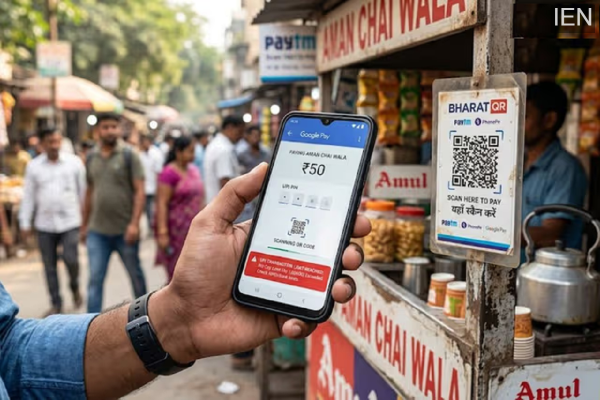
Unable to Send Money via Google Pay or PhonePe? Find Out Why Your UPI Limit Drops
-
CBSE Issues Notice: Glitches in Application Process for Scanned Answer Copies; Students to Receive Refunds

-
AKTU Admission Process Begins: How to Apply for B.Tech, M.Tech, and Various Other Courses?

-
UPSC Recruitment 2026: Bumper Vacancies Announced for 194 Posts; Apply by June 12