

WhatsApp has become an important part of our life. It has some security settings that everyone should know. There are some settings in WhatsApp, which should not be turned off at all. Keeping them off is not free from danger.
Under the advanced settings in WhatsApp, Block Unknown Message, Protect IP Address and Link Preview Disable should be kept on. As soon as you turn on Block Unknown Message, the spam and unknown messages coming to you will be blocked, which will help you avoid scams. Keeping Protect IP Address on will keep your IP address secure. In this case, your location will not be known.
By keeping this setting on, you will start seeing the preview image of the link sent in the chat. In this case, you will avoid clicking on any unknown link. To turn on these settings, click on the three dots given in the top right. After this, select the Settings option. After this, go to the Privacy option and turn on the toggle of these three settings.
Disclaimer: This content has been sourced and edited from Amar Ujala. While we have made modifications for clarity and presentation, the original content belongs to its respective authors and website. We do not claim ownership of the content.
-
How much is the electricity bill for running an AC all day? Understand the complete calculation for 1-ton and 1.5-ton ACs...

-
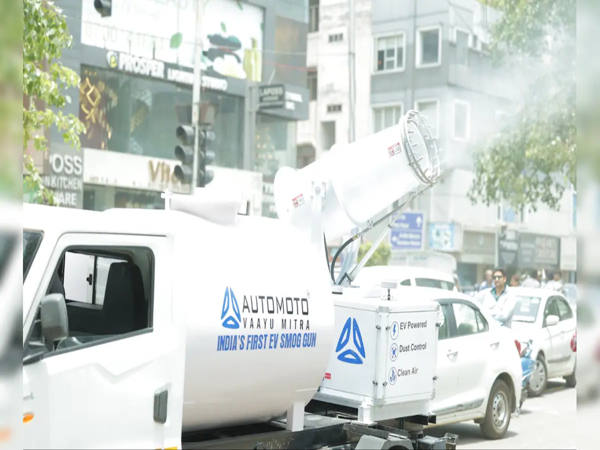
Pollution won't suffocate Delhi anymore! New air purifier systems have been installed in the capital...
-
eSIM Vs. SIM: Which Option Is Better for Android Phones? Here Is Everything You Need to Know

-
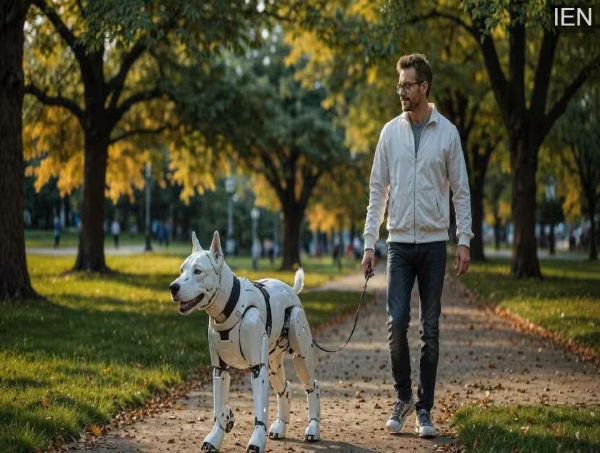
Now, Pets Will Speak in Human Language! Chinese Company Introduces AI Collar—Find Out How the Technology Works
-
No More Fire Hazards in Power Banks: Solid-State Battery Technology Is a Game-Changer
