
Many times people get upset due to the deletion of messages. Today we are going to tell you some such tricks, with the help of which you can recover deleted WhatsApp chat.
Recover Deleted Whatsapp Messages: Almost everyone uses the social media platform instant messaging app WhatsApp. It is used for everything from work to personal. Videos, audio, PDFs, documents, etc. are shared in it. It has spread its net in about 180 countries. People use WhatsApp as soon as they wake up in the morning, while at night they use it till before sleeping.
At the same time, the company also keeps updating it continuously to give the best features to its users, so that users remain on this platform.
The option to delete messages has also been available on this app, but many times people get upset due to the deletion of messages. However, now you do not need to be disappointed, because today we are going to tell you some such tricks, with the help of which you can recover deleted WhatsApp chats. Yes! Today we will tell you about cloud or local backup tools. This is an extra option. WhatsApp also continuously creates local backups in the phone's storage. Which users can use very easily. In such a situation, you can recover deleted chats using your internal storage. For this you just need to follow some steps.
Samsung Galaxy A36 will be launched in India soon, spotted on BIS website, features leaked, know everything
Follow these steps
First of all you have to open the file manager.
Here you have to go to WhatsApp.
After which go to /WhatsApp/Databases.
Here you will see the name of the latest backup file.
Which you have to change the name from msgstore-YYYY-MM-DD.1.db.crypt14 to msgstore.db.crypt14.
Then uninstall WhatsApp and reinstall it.
Here you will see the option to restore during setup.
Click on it.
Then sign in with the registered WhatsApp number.
You will get your deleted message chats back.
Recover from Google Drive
At the same time, if you want to recover chats from Google Drive, then first uninstall WhatsApp and reinstall it. Then sign in with the registered WhatsApp number. An OTP will come on your number for verification. As soon as you enter it, the restore option will appear for the recovery process. With this, you will get your deleted messages back.
-
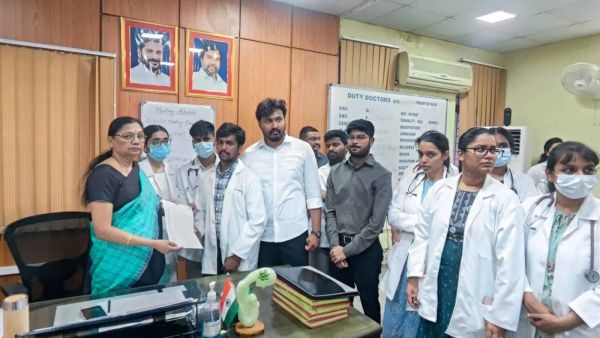
Hyderabad: Doctors’ bodies condemn assault on Gandhi Hospital junior doctor
-
CPI, CPM delegations meet CM Revanth Reddy, thank him for minimum wages revision

-
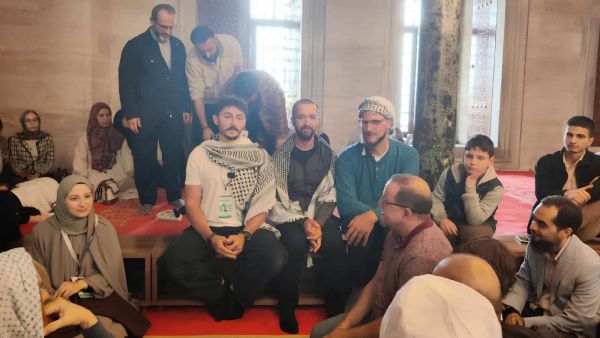
Exclusive | Broken ribs, rape, torture: Flotilla activists recall Israeli detention
-
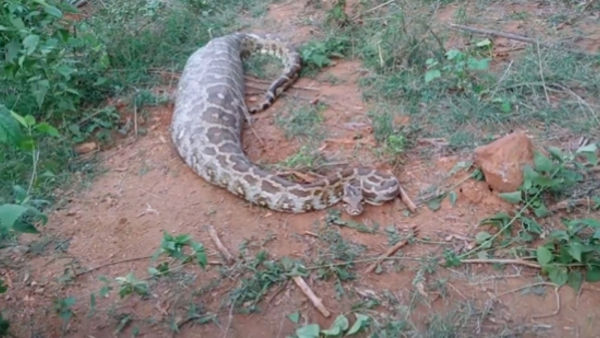
Karnataka: Massive python found after swallowing deer in Mandya
-
Prabhas’ new house in Kokapet, Hyderabad: Price and details