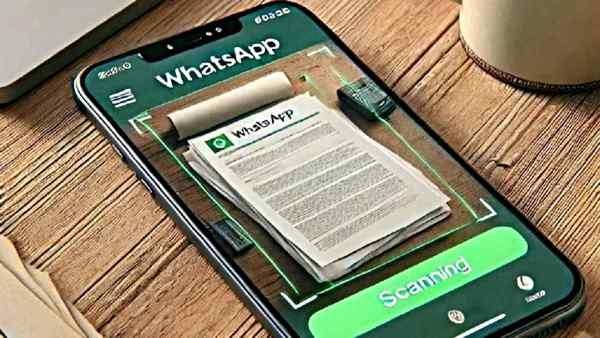
Whatsapp New Update: Meta-owned instant messaging app WhatsApp is constantly experimenting with adding new features. Till now, users had to rely on third-party apps to scan documents.
Recently WhatsApp has released a new update, which allows iPhone users to directly scan and share documents using the in-app camera. This feature is especially useful because now users do not need to resort to any third-party app to scan the document and send it as an attachment.
How to scan document on WhatsApp?
To use WhatsApp's built-in document scanner on iPhone, follow these steps:
- Open WhatsApp.
- Tap on the “Plus (+)” button below.
- Select the “Documents” option.
- You will now see three options:
- “Choose from files”
- “Choose photo or video”
- “Scan document”
- Tap on the third option.
The in-app camera will start. Position the document in the viewfinder and tap the shutter to scan.
Now you can share the scanned document with anyone like a normal document.
Rollout for iPhone and status on Android
This new feature of WhatsApp is gradually being released for iPhone users. If this option is not available on your device yet, it may be coming soon.
At the same time, there is no information yet on when this feature will be available for Android users. For now, they will have to rely on third-party apps.
Whatsapp New Update: Importance of features
Through this update, WhatsApp users will save time and effort in the process of scanning and sharing documents. This feature can prove to be extremely useful especially for office and educational use.
-
Chinese woman runs fruit stand for 19 years in hope of finding missing son

-
Not just cricket! Fatima Sana stuns fans with photography skills

-
Why does yawning spread? Know the scientific reason behind this

-
If you don’t feel like cooking in summer, prepare bottle gourd-curd tadka in ten minutes, see the recipe here.

-
You Can Almost Always Tell An Elder Millennial Is Having A Midlife Crisis When They Start Doing One Of These 3 Things