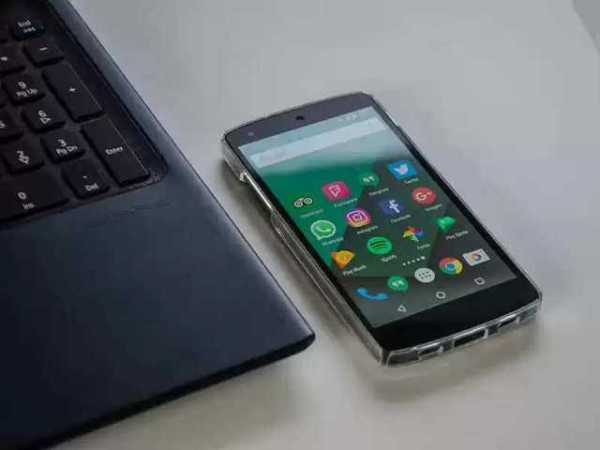
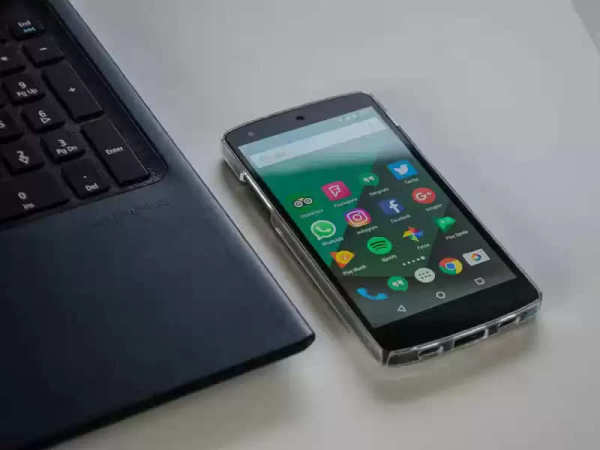
There are many such settings in WhatsApp, which are enabled by default. By turning off these settings, you can avoid leaking personal data.
Personal data can be leaked.
WhatsApp is the most popular messaging app. There are many such settings in WhatsApp, which are enabled by default. By turning off these settings, you can avoid leaking personal data.
Deactivate Last Seen
You can protect your privacy by turning off your Last Seen on WhatsApp. Through Last Seen, it is known when you were last active on WhatsApp.
Feature to add to the group
Recently a feature has been released in WhatsApp. Under this feature, no one can add you to any group without your permission. However, it has to be turned on. Only then does it work.
WhatsApp profile photo
Anyone can misuse the WhatsApp profile photo. In such a situation, you can go to the settings and set who can see your profile photo and who can't.
Disable the Read Receipt option.
If a message on WhatsApp has blue ticks, it means that your message has been read. In such a situation, if you don't want to disturb your privacy, disable the Read Receipt option.
Make Whatsapp Status private.
Many times people share their personal things on WhatsApp status. If you want your privacy to remain intact, then you can choose who can see your status and who can't.
Disclaimer: This content has been sourced and edited from ZEE Business Hindi. While we have made modifications for clarity and presentation, the original content belongs to its respective authors and website. We do not claim ownership of the content.
-
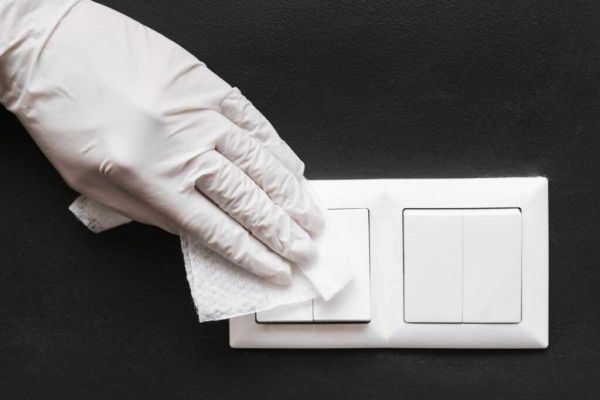
Soap and water does not rise dirt? Make black dirty switchboard shiny with this method
-
Why You Should Refrigerate Mangoes Only After They Ripen

-
Make these 8 amazing kebabs at home on Bakrid 2026

-
SRH flies in the storm of Vaibhav Suryavanshi-Jofra Archer, RR’s entry in Qualifier 2

-
RCB VS GT: After defeating Gujarat, Virat Kohli’s aggressive celebration won hearts, Ashwin said – he is not a human being…