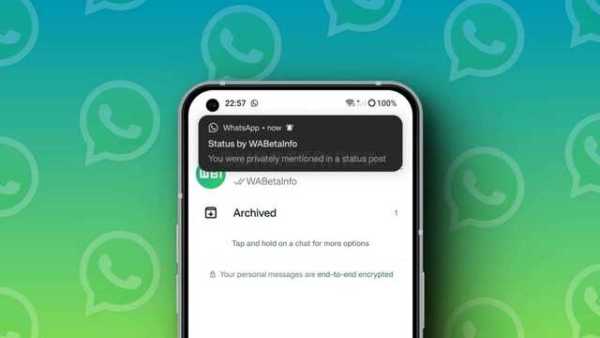
WhatsApp lets you mention contacts in status updates: Here's how
14 Dec 2024
WhatsApp now allows users to mention contacts in their status updates.
The capability, similar to the tagging option in Instagram Stories, comes in handy for birthdays or sharing event photos by letting users tag relevant contacts directly in their status updates.
Here's how to mention someone and notify them that you've shared a status for them to view.
Take a look at the process
Process
To mention someone in your status update, start by selecting a photo or video.
Next, in the status update window where you edit your content, tap "@" in the "Add a caption..." bar and choose a contact from the list.
WhatsApp allows you to mention up to five people in a single status update.
WhatsApp addresses privacy concerns with this feature
Privacy measures
WhatsApp has addressed potential privacy concerns with this new feature.
If someone mentions you in their status, you will receive a link and a notification stating that the contact "mentioned you privately in their status." However, other viewers of the status will not see these mentions.
The feature is designed to enhance user interaction by enabling direct notifications to tagged individuals. They can then react to the status, reply to it, or share it in their own status update.
-
'We’ve got this now': Mikel Arteta says Arsenal have ‘shed a burden’ after ending Premier League ‘bottlers’ tag ahead of Champions League final

-
Anthony Gordon Touches Down in Barcelona for Medical Ahead of Transfer

-
Tottenham Hotspur reportedly tempt Roberto De Zerbi with huge bonus for survival mission

-
Davide Ancelotti finalises deal to become Lille head coach in his second managerial spell after leaving Real Madrid assistant role

-
Hard Rock Stadium: Capacity, Location, and Complete Guide to Its Role in the 2026 FIFA World Cup
