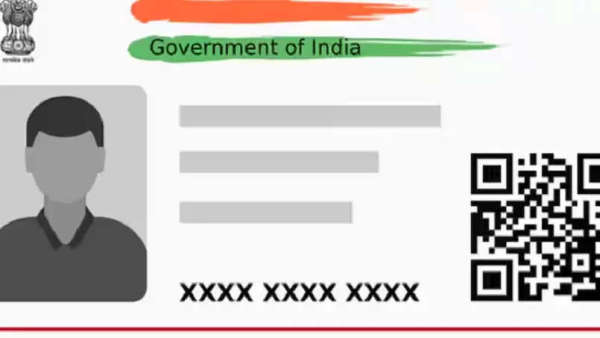
As we all know the Aadhar card, PAN card, ration card, etc. are important documents for Indians, in such a situation, talking about Aadhar card, is useful for various tasks, like buying a mobile SIM, opening a bank account or taking advantage of government services, Aadhar card is necessary. Due to sensitive information like your name, address, date of birth, fingerprint, and photo being stored in the Aadhar card, there is always a risk of misuse or leakage of personal information. If you want to avoid these frauds, then keep your cards safe, let's know-how
Purpose of locking biometric data
Locking your Aadhaar biometric data (fingerprint and iris scan) ensures that no one can use this information for authentication without your consent. Only you can unlock it when required for specific services.
How to lock your Aadhaar biometric data
Visit the official UIDAI website: Visit the UIDAI website and click on "My Aadhaar".
Select Aadhaar Services: Click on "Aadhaar Services" and select the "Secure your Biometrics" option.
Select the Biometric Lock/Unlock option: Click on "Biometrics Lock/Unlock", then enter your 12-digit Aadhaar number. After that, complete the captcha verification.
OTP Verification: An OTP will be sent to the mobile number linked to your Aadhaar. Enter the OTP to proceed.
Lock your biometric data: After logging in, you can confirm the action to lock your biometric data. Your biometrics will be securely locked.
-
Shadowfax Q1 PAT Jumps 8X To ₹65 Cr, Revenue Crosses ₹1,300 Cr Mark

-
Swiggy Falls 5% As Brokerages Flag Quick Commerce Challenges

-
LPG: LPG cylinder to reach your home in 4 hours; Indian Oil shares full details..
-
Rajya Sabha Members Demand Urgent Solutions for Key Issues in Uttarakhand

-
Jammu-Srinagar Highway Closed for Traffic Due to Road Work