
WhatsApp is the world's largest instant multimedia messaging app today. WhatsApp is being used from professional to personal level. One problem with WhatsApp is that no matter how important the call is, you cannot record it. Recording WhatsApp calls is not easy because WhatsApp itself does not provide a call recording facility. Despite this, you can record WhatsApp calls using some methods. Let us know...
For Android devices
Apps like ube Call Recorder can record WhatsApp and other VoIP calls. Install the app and give the necessary permissions. Start a WhatsApp call. After this, the app will automatically record the call. Make sure your device supports the app properly.
For iPhone
iOS has limited third-party call-recording apps. You can use a screen recorder. Turn on the iPhone's screen recording feature. Start a WhatsApp call. Make sure your microphone is on so that the sound of the call can be recorded.
-
Harry Kane as Key Player, South Sulawesi PDIP Vice Chairman Iqbal Arifin Backs England for 2026 World Cup Glory

-
Muetazim Mansyur Chooses England, A Lifelong Supporter of The Three Lions Since Primary School

-
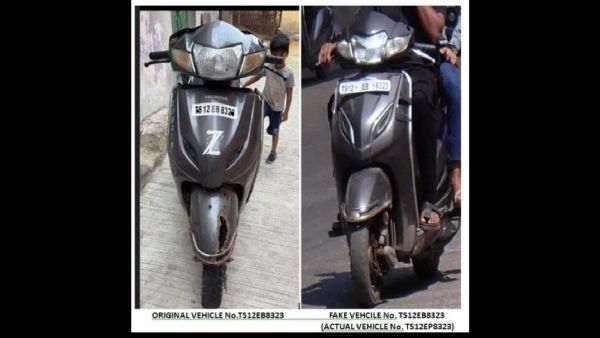
Two held for changing number plates to avoid traffic fines in Hyderabad
-
CM Revanth, Telangana Congress chief meet Mallikarjun Kharge

-
Another TMC MP injured in Bengal a day after attack on Abhishek Banerjee