How Paytm users can create new UPI IDs by linking their bank accounts?
CNBCTV18 | October 25, 2024 10:41 AM CST
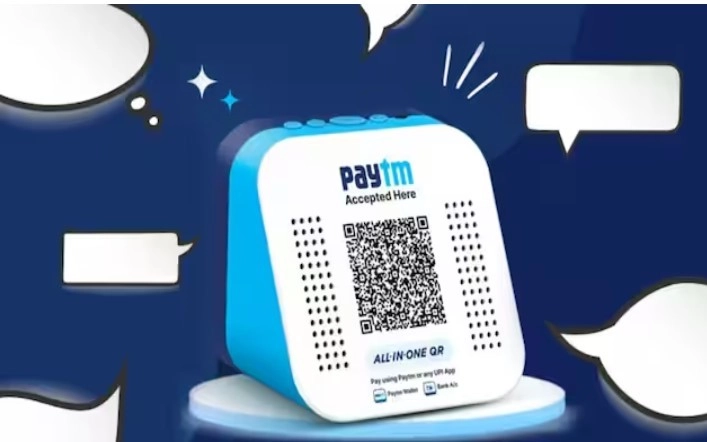
Paytm users can now create new UPI IDs by linking their bank accounts directly through the app.
Paytm, owned by One97 Communications Limited (OCL), has launched the onboarding of new Unified Payments Interface (UPI) users on its app. This move follows approval from the National Payments Corporation of India (NPCI) on October 22, allowing Paytm to start linking new users to its UPI service.
Paytm users can now create new UPI IDs by linking their bank accounts directly through the app.
How to get your UPI ID on Paytm:
- Enter Mobile Number: Open the Paytm app and enter your mobile number.
- Verify with the OTP received.
- Link Your Bank Account: Choose the option to link your bank account and activate Paytm UPI.
- Select Primary Account: Pick the bank account you want to use for UPI transactions.
- Complete Setup: Your UPI ID is now created. It will end with @pthdfc, @ptaxis, @ptsbi, or @ptyes based on your bank.
Users can get peer-to-peer (P2P) payments and merchant transactions through Paytm.
The app supports UPI Lite for transactions under ₹2,000 daily, RuPay credit card linking, and auto-pay features. Additionally, users can check balances and transfer between their accounts with ease.
READ NEXT
-
Telangana: Man steals hundi from temple in Sangareddy, probe on

-
Dreaming of Japan? IRCTC has a 10-day tour from Delhi

-
Women’s quota rollout sparks Rijiju-Rahul war of words

-
Meta blocks news articles on Kashmir pellet victim Insha Mushtaq

-
The Traitors 2: Munawar Faruqui’s expected earnings per episode