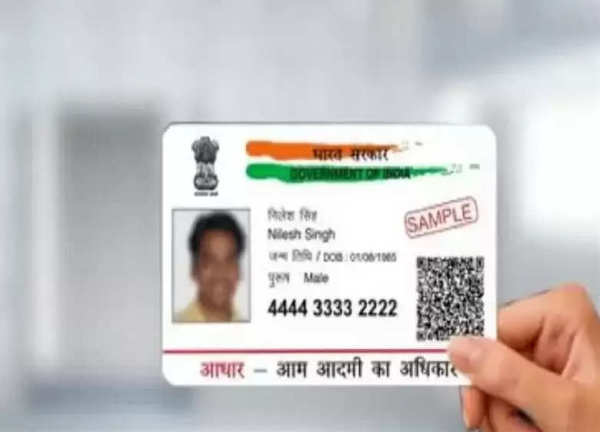
The Aadhaar card is an important document for Indian people, which is used for various government and non-government works like opening a bank account, getting a SIM card, taking admission to college, and taking admission in school. Due to its importance, it should be available with us, but in many cases we lose it or forget to take it with us. Fortunately, you can download it from the website of Unique Identification Authority of India (UIDAI) anywhere, let's know its complete process-
Steps to download your Aadhaar card
Visit UIDAI website: Visit the official website of UIDAI and click on "My Support".
Choose Aadhaar PVC card: Click on the "Aadhaar PVC card" option and enter your 12-digit Aadhaar number.
Enter captcha code: Fill in the captcha code displayed on the screen.
Choose mobile number option: Click on "My mobile number is not registered".
Enter alternate mobile number: Provide an alternate mobile number where you can receive OTP, and click "Send OTP".
Agree to terms: Check the terms and conditions box and submit your request after entering the OTP.
Preview your Aadhaar card: You will now see a preview of your Aadhaar card. Verify that all the details are correct.
Make payment: Click on the MAC payment option to complete the online payment.
Note: If you don't want to use your 12-digit Aadhaar number, you can opt for the 16-digit Virtual Identification Number (VID).
-
US: 2 Killed In Firing At Idaho Shopping Centre; Cops Gun Down Shooter

-
Officials From 9 States Visit Indore To Replicate India's Cleanest City Model

-
Bhopal Municipal Corporation's Sealing Drive Sparks Selective Action Row As Arera Colony Escapes Crackdown

-
India Achieves Record Medal Count at Commonwealth Games 2026

-
Soman Rana Shines with Gold in Men's F57 Shot Put at Commonwealth Games 2026