WhatsApp Tips: Popular messaging app WhatsApp is one of the most popular apps worldwide. WhatsApp is the most used with millions of daily active users. However, WhatsApp users can not only chat with each other but also share photos, videos and media files on the platform. However many WhatsApp users delete large WhatsApp files due to storage issues.
In this process, you may lose important photos and videos. Have you also lost photos and videos in your WhatsApp account? But don't worry. Because there is a way to restore deleted files. There is no special feature available on WhatsApp to recover these media files. There are some ways that users can recover deleted photos and videos. Take a closer look at how users can recover deleted photos and videos on WhatsApp.
WhatsApp can save all photos in a phone gallery:
WhatsApp saves all photos and videos in the phone gallery by default. If you delete any media file from the chat after sending it, the photos will be saved in the iOS device gallery, Google Photos or Photos. WhatsApp backup can be restored from Google Drive or iCloud. WhatsApp provides a backup of iCloud chats and media for iOS users, and Google Drive for Android users. If the media is deleted after a daily backup, you can restore the backup from Google Drive or iCloud on your device. So that WhatsApp can restore deleted media files.
Uninstall and reinstall WhatsApp on your device.
Set up with the same phone number.
If you set up data restore from backup.. a prompt message will appear. Allow.
After the setup completes the backup will be successful.
All media and chats can be restored on the device.
Check the WhatsApp media folder:
The option to restore WhatsApp media from the media folder is available only for Android users.
Open the File Explorer app.
Go to the WhatsApp folder in the root directory.
Go to the Media folder WhatsApp Images folder.
You will see all the photos you have received in this folder.
Go to the Sent folder. You can find deleted photos or media.
To turn off the media option from the gallery? :
You can delete data from WhatsApp chat without deleting it from the phone gallery. Data can be deleted only in WhatsApp media. For that turn OFF the option to delete media in the 'Device Gallery' chat.
Open any WhatsApp chat.
Select the media and tap the delete icon.
WhatsApp will prompt you with 4 options.
Also, delete the media received in the chat from the device gallery.
Delete for everyone option can be selected.
The delete for Me option can also be selected.
Otherwise, select the Cancel option.
Now, Uncheck the first option to delete media from the phone gallery.
-
Why do breasts hurt during menstrual days? Know its causes and symptoms, timely treatment will provide relief

-
Tolyamory Trend: What is Tolyamory, changing way of looking at relationships; Honesty or confusion?

-
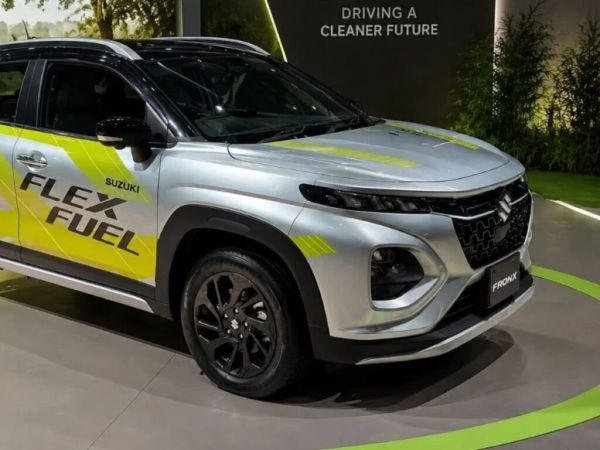
Maruti Suzuki Launches First Flex-Fuel Car
-
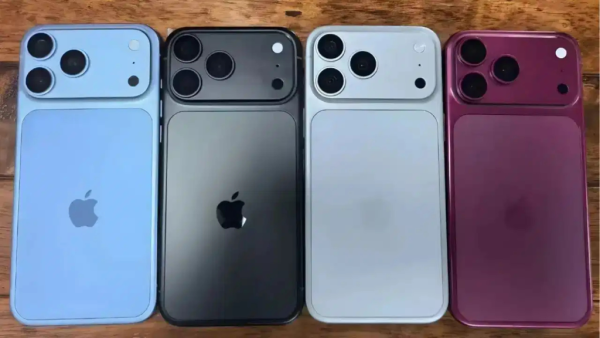
Tech News: 4 new colors of iPhone 18 Pro Leak, Cherry shade will be brought to the market; Riot in the market for Gen-Z!
-
The call will not stop even if the network is down! BSNL users should turn on this setting in the phone now… then see the amazing thing.