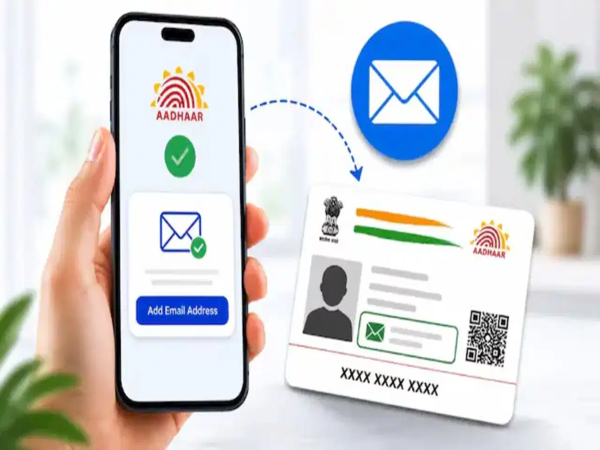
If you use the Aadhaar App on your phone, ensuring its security is crucial. You should change the app's PIN periodically to keep your Aadhaar-related personal information safe and prevent unauthorized use. If you do not know how to change the Aadhaar App PIN, you can easily update it from the comfort of your home by following a few simple steps.
5 Easy Steps to Change the Aadhaar App PIN
First, open the Aadhaar App on your mobile and log in using your existing PIN.
After logging in, navigate to the 'Profile' or 'Settings' section within the app; here, you will find security-related options.
Now, click on the 'Change PIN' or 'Update PIN' option.
Enter your old PIN first. Then, enter the new PIN and re-enter it to confirm.
Finally, tap the 'Submit' or 'Save' button. A confirmation message will appear on the screen once the PIN has been successfully changed. You will need to use this new PIN the next time you open the Aadhaar App.
What to do if you forget your PIN?
If you have forgotten your Aadhaar App PIN, there is no need to worry. You can create a new PIN using the 'Forgot PIN' option available in the app. This process requires OTP verification. Please note that the OTP will be sent to the mobile number linked to your Aadhaar card.
Why is it important to change the Aadhaar App PIN?
The Aadhaar App stores various important details linked to your Aadhaar. If your phone falls into someone else's hands or if someone discovers your PIN, your personal information could be compromised.
Therefore, changing your PIN periodically is a good practice for your digital security. It enhances the security of your Aadhaar App and minimizes the risk of misuse.
Disclaimer: This content has been sourced and edited from TV9. While we have made modifications for clarity and presentation, the original content belongs to its respective authors and website. We do not claim ownership of the content.
-
What to do if your EMI isn't going down? These 5 tips can save home loan borrowers thousands of rupees.

-
How does Google Maps know how crowded a shop or restaurant is without asking?

-
Avoid these 6 mistakes if you have a PF account; EPFO issues alert regarding fake links.
-
NCDC Amendment Bill 2026 to be introduced in Lok Sabha; here’s what will change regarding loans, grants, and investments

-
MS Dhoni’s 7 Records That May Never Be Broken