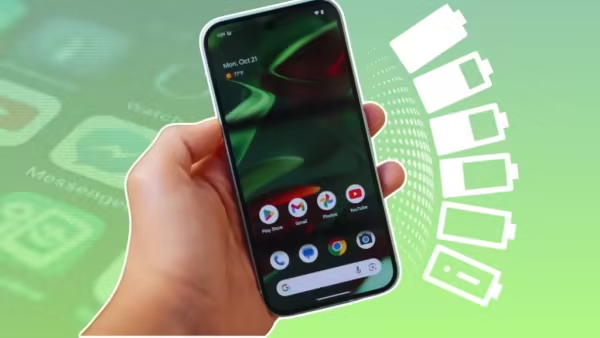
Smartphones have become a vital part of our lives, but their biggest problem is rapid battery drain. Sometimes, even when we don’t use our phones much, the battery level drops rapidly. We often blame the phone’s old battery or hardware for this, but the real reason is something else. According to tech experts, some well-known Google apps on your phone may be secretly draining your battery in the background. These apps sync data and track location without your knowledge, constantly working the phone’s processor and draining the battery faster. Let’s find out which apps are included in this list and how you can extend your battery life.
These Google apps are the biggest enemies of the battery
If you are using an Android smartphone, then many Google apps are installed in your phone by default. The top names among these are ‘Google App’ and ‘Google Play Services’, which track your phone’s activities all the time and use a lot of background data. Apart from this, apps like Google Maps, Gmail and Google Home are also not behind in sucking the battery. For example, if you have multiple accounts logged in to Gmail, then it keeps refreshing in the background for new emails. At the same time, smart apps like Google Maps and Google Home track your location 24 hours a day to provide you better services, but this very feature reduces your battery life by half.
Background data and sync are the real cause of battery drain
The main reason behind these apps draining your battery is ‘Background Sync’ and ‘Auto-Update’. Even when your phone is in your pocket or on a table, these apps do not sit idle. They continuously exchange information by connecting to cloud servers. Along with this, many apps have permanent access to your phone’s camera, microphone and location. Whenever the phone’s internet is on, all these apps become active simultaneously. Due to this background process, your phone’s RAM and processor do not get any rest, due to which the phone sometimes starts heating up slightly and 10 to 15 percent of the battery gets drained without even turning on the screen.
Change these settings immediately to save battery
If you want to avoid the hassle of constantly charging your phone, you’ll need to make some small but important changes to your phone’s settings. First, go to your phone’s Settings and check “Battery Usage.” You’ll find out which app is consuming how much battery. Next, go to the settings of the Google app that’s consuming the most battery, click the “Battery” option, and set it to “Optimized” or “Restricted.” The second most important thing to do is change the “Location Permission” for Google Maps and other apps to “Allow only while using the app” so they can’t track location in the background. Additionally, turn off background data for unnecessary apps and, instead of auto-syncing, manually refresh Gmail only when necessary. These simple steps can significantly extend your phone’s battery life.
-
India-UK CETA to boost Kerala’s exports in key sectors: UK official

-
Bengaluru Collector Verifies Rare 1794 Warren Hastings Cheque Through Historic Bank Records

-
ITR 2026 Deadline Today: Step-by-Step Guide to File Your Income Tax Return Online
-
Kanwar Yatra: Devotee performs dandavat pranam to Neelkanth Temple

-
META Stock Outperformed GOOG, TSLA In July Despite Earnings Selloff — Analyst Says Shares Are ‘Attractively Priced’ Now