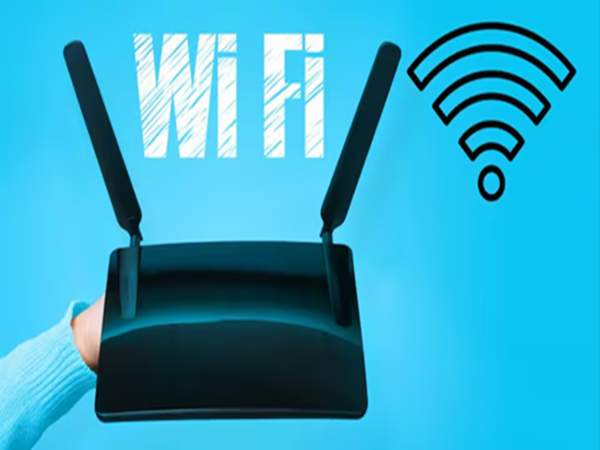
In today's digital age, the internet has become an integral part of our daily lives. Activities such as online learning, office work, video streaming, and gaming require a fast and stable Wi-Fi connection. However, despite having a good internet plan, the network often slows down; videos buffer repeatedly, and downloads take longer than necessary.
People often blame the internet service provider for this, but the real cause frequently lies within the home itself.
**Placing the router in the wrong spot**
Small errors—such as placing the router incorrectly, using the wrong Wi-Fi band, or connecting too many devices—can degrade internet speed. If your Wi-Fi is running slowly, changing these habits can improve network performance.
**Placing the router in the wrong spot**
The router's location is crucial for ensuring good Wi-Fi signal range. Many people place the router in a corner, inside a cupboard, or near the floor, which weakens the signal. It is best to place the router in a central, open area of the house at a reasonable height. Additionally, keep it away from walls, large furniture, and other electronic appliances to ensure the signal reaches all parts of the home effectively.
**Use the right Wi-Fi band**
Most modern routers support both 2.4GHz and 5GHz bands. While the 2.4GHz band offers greater range, speeds can be slower due to the high number of devices connected to it.
In contrast, the 5GHz band delivers faster internet speeds and superior performance. If your router and devices (smartphone or laptop) support 5GHz, it is advisable to use this band.
**Avoid connecting too many devices**
Internet speed can be affected if too many devices are connected to the same Wi-Fi network. Often, devices that aren't actively being used remain connected, running background tasks like app updates, cloud backups, or other processes. Therefore, disconnect devices that are not currently in use from the Wi-Fi. Also, periodically check the devices connected to the router. With these simple adjustments, you can significantly improve your Wi-Fi speed and stability without needing to purchase a new internet plan.
Disclaimer: This content has been sourced and edited from NDTV India. While we have made modifications for clarity and presentation, the original content belongs to its respective authors and website. We do not claim ownership of the content.
-
Ferran Torres and the “Punished One” from Al-Nassr: The Stars Who Denied Roshn League Clubs a World Cup Milestone, with Al-Hilal and Al-Ahli Emerging as the Biggest Winners!

-
Love Horoscope Today for Friday, July 24, 2026: Pisces Will Gain Confidence, Know the Fate of Other Signs

-
Horoscope Today: Astrological prediction July 24, 2026 for all zodiac signs

-
Career Horoscope Today, July 24, 2026: Libra Signs Will See an Increase in Popularity, Know the Status of Other Signs

-
Germany's Friedrich Merz Announces Cabinet Reshuffle Amid Leadership Changes