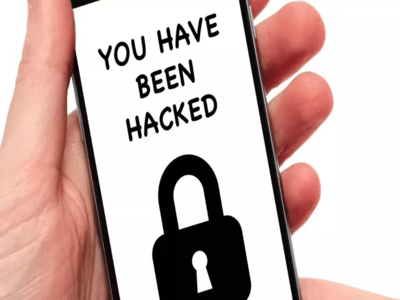
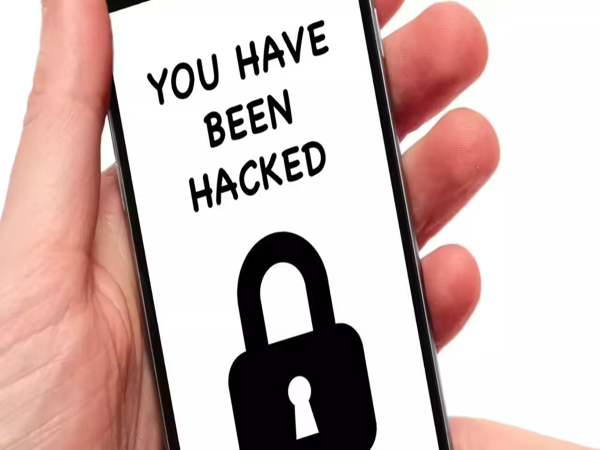
Smartphones store everything from banking apps and passwords to personal photos and work documents. But cybercriminals are constantly finding new ways to target users through malicious apps, phishing links, and spyware. If your phone starts behaving strangely, it could be more than just a software glitch.
Here are eight warning signs that may indicate your smartphone has been compromised—and what you should do next.
1. Battery Starts Draining Much FasterIf your phone's battery suddenly begins draining unusually quickly without any change in your usage habits, a malicious app running continuously in the background could be the reason.
2. Unexpected Data UsageA sharp increase in mobile data consumption may indicate that an unknown app is sending information from your device to external servers.
3. Your Phone Becomes Unusually HotWhile phones naturally warm up during gaming or charging, constant overheating—even when idle—could point to excessive background activity caused by unwanted software.
4. Unknown Apps AppearIf you notice apps you never installed, don't ignore them. They could have been installed through unsafe downloads or malicious websites.
5. Frequent Pop-Up AdsSeeing advertisements everywhere, even when no browser is open, may be a sign of adware. These apps can slow your phone and sometimes redirect you to unsafe websites.
6. Bank or OTP Messages You Didn't RequestReceiving one-time passwords (OTPs) or banking alerts without initiating any transaction should be treated seriously. Check your financial accounts immediately and contact your bank if you notice any suspicious activity.
7. Apps Keep CrashingIf trusted apps suddenly begin crashing repeatedly after installing a new application, it could indicate software conflicts or, in some cases, malicious software affecting the device.
8. The Camera or Microphone Activates UnexpectedlyIf you notice your camera or microphone indicator turning on when you are not using them, review your app permissions immediately. Some apps may have unnecessary access to sensitive features.
What You Should Do ImmediatelyIf you suspect your phone has been compromised:
- Uninstall recently installed or suspicious apps.
- Run a security scan using your phone's built-in security features or a trusted security app.
- Change passwords for important accounts, especially banking and email.
- Enable two-factor authentication wherever available.
- Update your phone to the latest software version.
- Review app permissions and revoke unnecessary access.
To reduce the risk of hacking:
- Download apps only from trusted app stores.
- Avoid clicking unknown links in messages or emails.
- Keep your operating system and apps updated.
- Never share OTPs or passwords with anyone.
- Be cautious when connecting to unsecured public Wi-Fi networks.
Most smartphone security incidents begin with a single careless click or an unsafe app installation. By paying attention to these warning signs and following good digital security practices, you can greatly reduce the risk of losing your personal information and keep your device safe from cyber threats.
-
Trump vows to bomb Iran bridges, power plants for every ship attack

-
Still alive: Wangchuk releases video from hospital, appeals to govt

-
Videos: Raftaar, Emiway Bantai join students protest

-
Telangana signs MoU with Hetero Pharmaceuticals for skill training

-
Jantar Mantar Protest Escalates, Police Fire Tear Gas Amid Fresh Clashes