
WhatsApp is one of the best messaging apps because of its wide range of features, making it one of the most downloaded apps on the Google Play Store. You'll find all the essential features on this messaging app, from voice calls to live location tracking. WhatsApp is an app that's probably used by every second person in India. The platform constantly tests new features to provide more convenience to users. However, you'll rarely find a feature that WhatsApp doesn't have.
Status is one of the messaging app's popular features, similar to Instagram Stories. Once uploaded, it remains live for only 24 hours. People can post photos and short videos on Status. The company says that Status, like messages and calls, is end-to-end encrypted.
It's important to note that only people saved in your contacts list can see your Status. WhatsApp gives you the option to choose who can see your Status. There's an option called Status Privacy that lets you hide your Status from certain people on WhatsApp.
How to hide WhatsApp Status from certain users?
Step 1: First, open WhatsApp on your smartphone and tap on the “Status” tab.
Note: In this section, you'll see your contacts' statuses. WhatsApp displays your status at the top, and you can simply tap it to preview your uploaded photo or video.
Step 2: Now, tap on the three-dot button present in the top right corner of the screen.
Step 3: There is an option named “Status Privacy”, just tap on it.
Step 4: You'll see three options: 'My Contacts', 'My Contacts except', and Only Share with. Each one is self-explanatory. If you want to hide your Status from specific people, choose the second option and select the people you don't want to see your Status. Then, tap the Done button.
PC:Rajasthan Khabre
-
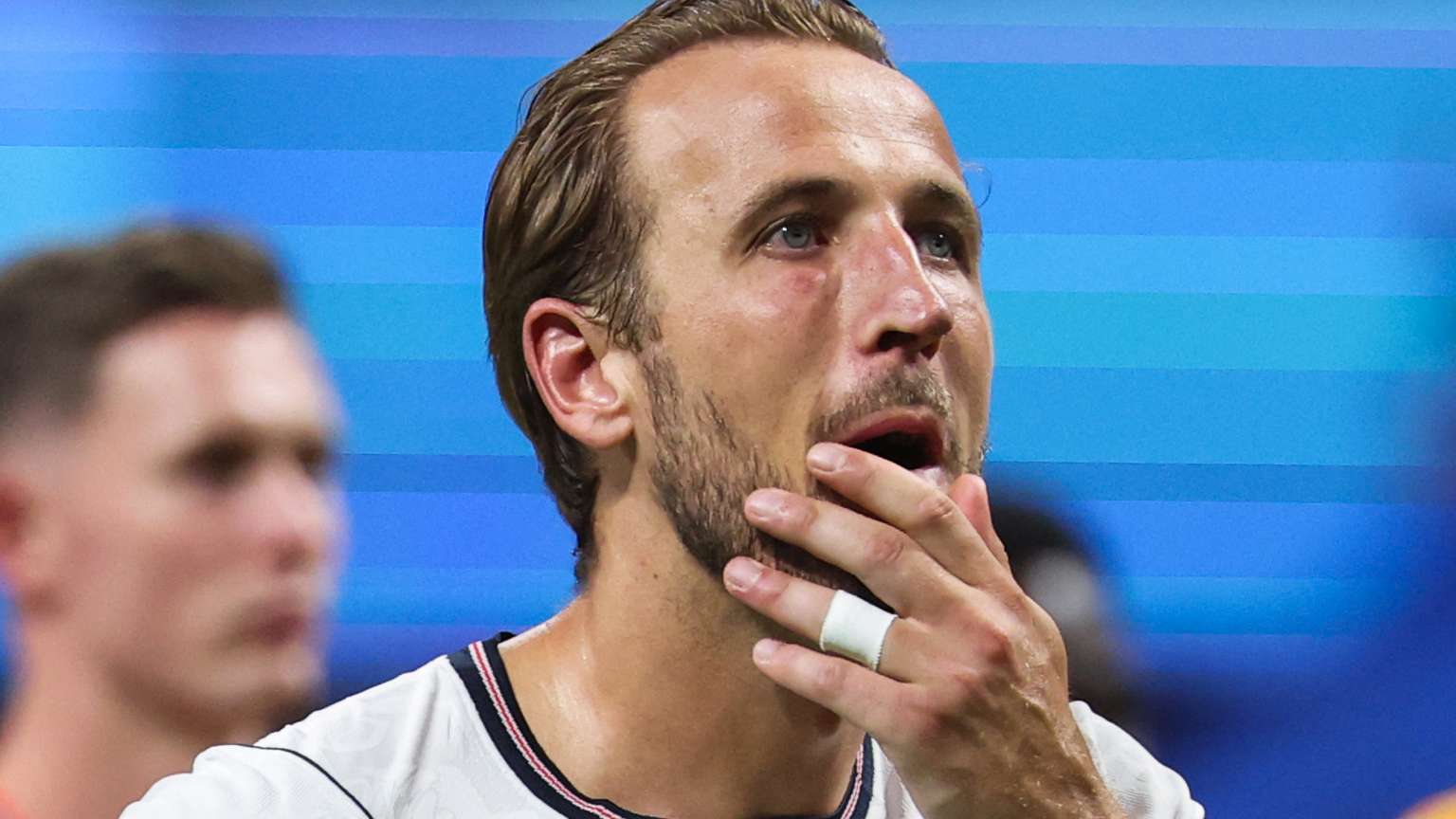
‘Missing the final piece again’ – Harry Kane speaks of ‘empty feeling’ after England’s World Cup semi-final heartbreak against Argentina
-
'World-class ability and leadership' - USWNT skipper Lindsey Heaps cleared for much-awaited Denver Summit debut in NWSL clash with Portland Thorns on Saturday

-
Luis Suarez Praises Ronaldo as the Greatest Striker of All Time

-
Trump tightens US visa rules for students, journalists, exchange visitors

-
Rohit Sharma's Form Under Scrutiny as India Faces England in ODI Series