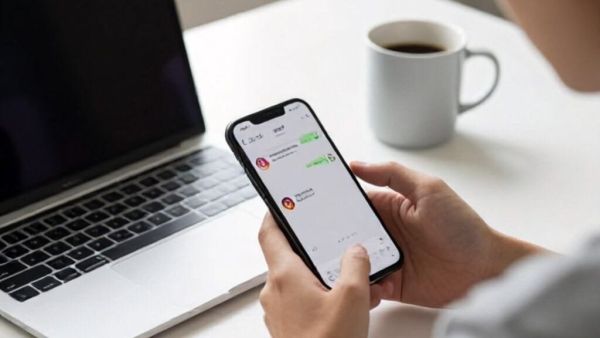
- Using WhatsApp’s 4×2 widget, new messages can be viewed on the home screen without opening the app.
- This trick prevents the other person from seeing your online status or blue tick.
- To do this setting one has to select the WhatsApp widget from the widgets option on the home screen and add it to the home screen.
WhatsApp Trick: Millions of people around the world use the messaging platform WhatsApp. The company keeps adding new features to this messaging platform from time to time. The company aims to improve the user experience and increase their security. Apart from this, there are some simple and important WhatsApp tricks, which further increase the privacy of the users. Let’s learn about one such simple yet beneficial trick.
BSNL Recharge Offer: Special offer of government company; Free Bonus Data on ‘This’ Plan… Know the Price
WhatsApp Trick
Sometimes we feel that we should read all the WhatsApp messages sent by the other person without understanding them. But usually when we open a message from the other person, a blue tick appears or the person sending the message sees your online status. Which instantly shows that you have read the message on the phone. But as you know, there is a simple trick by following which you can read the message of the other person online on WhatsApp in Android smartphone. It won’t even show a blue tick. Let’s learn about this simple and beneficial trick now.
Use widgets
In fact you don’t need to use any third party apps to use this trick. You can accomplish this task very easily with the help of a special WhatsApp widgets. With the help of widgets, you can see new messages directly on the home screen as soon as you open WhatsApp. This trick can be useful for people who are constantly worried about their privacy or who don’t want the other person to know that you have read their message. So let’s learn about this simple trick now.
Smartphone Price Dropped: This is the right time to buy iPhone! Huge discount is available on Amazon, you will be surprised to see the new price
How to set WhatsApp widgets?
- The process of setting up WhatsApp widgets is very simple. For this you have to follow some steps.
- First of all press and hold on your home screen for few seconds.
- Now select Widgets option from the menu that appears.
- Now open WhatsApp in widgets.
- Choose the 4×2 widgets available here and set them on the home screen.
- After this, new messages arriving on WhatsApp will appear directly on the home screen.
-
One Year After Its Discounted IPO, Why Is The Market Cheering For BlueStone?

-
Sensex, Nifty advance amid improving global risk sentiment

-
Public representatives cannot afford to ignore technology: Rajeev Chandrasekhar

-
Rajasthan PTI Recruitment Exam Postponed to 2027

-
Bluetooth Battery Usage: Find out how much battery is consumed by keeping Bluetooth on all the time.