
- BSNL’s VoWiFi service enables calling and messaging over Wi-Fi even when there is no mobile network.
- This service is available in all BSNL telecom circles across the country and WiFi calling needs to be enabled in phone settings.
- VoWiFi requires BSNL’s 4G/5G ready SIM card and an active Wi-Fi connection.
India’s state-owned telecom company Bharat Sanchar Nigam Limited (BSNL) is constantly trying to improve their service. So that their users get a better experience and new users are also added. Now we are going to tell you about one such service of the company. Earlier this year, the state-run telecom company had launched VoWiFi service in India. It offers users the facility of calling even without network or in low network.
Big blow to smartphone customers! Poco’s three cheap 5G devices became expensive! The price has increased so much
You can call even if there is no network in the mobile!
Launched by Bharat Sanchar Nigam Limited, this service is available in all telecom circles across the country. For this, users have to make some changes in their phone settings. After this change, users will be able to take advantage of the facility of calling even when there is no network. After turning on the setting in the phone, users will be able to receive calls and messages on their phone. Users will also be able to make calls from their phones. (Photo Courtesy – Pinterest)
What is BSNL’s Voice over Wi-Fi service?
This service of BSNL is Voice over Wi-Fi (VoWiFi). In this, users will get the facility of calling even if there is no mobile network in their phone. But the most important thing for this is that the phone needs to be connected to a Wi-Fi network. liveAirtel and Vodafone Idea have been providing this service to their users for many years. BSNL launched this service earlier this year. Getting started with BSNL’s VoWiFi service is very easy. You can easily start it on your Android smartphone. The company has installed around 1 lakh new 4G/5G mobile towers across the country last year. These mobile towers are installed to improve the network infrastructure of government telecom operators.
Follow these steps to activate BSNL VoWiFi service
You need BSNL 5G Ready SIM card to use BSNL VoWiFi service. If you have an old BSNL SIM card, change it immediately and buy a 4G/5G SIM card. You don’t have to spend any extra money for this.
Huawei gave a double surprise! Two New Smartphones Entered With 50MP Primary Camera… Know Price & Features
- After inserting the new SIM in the phone, open the settings.
- Here you will see Network and Internet option, click on it.
- Now you tap on BSNL SIM option.
- Here you have to tap on BSNL on the next page.
- Scroll down and tap on WiFi calling option.
- After that enable Use WiFi Calling.
In this way, BSNL’s VoWiFi calling service will start in your phone and you will be able to avail WiFi calling service even in areas with no network or low network.
-
Two TVK Functionaries Arrested For Allegedly Sexually Assaulting Woman On Job Promise

-
FIFA World Cup 2026: Who Are Tahsin Mohammed Jamshid And Nishan Velupillay? Indian-Origin Footballers Hailed By Shashi Tharoor

-
Trust Deficit Grows As CBSE Evaluation Row Deepens; OSM System Faces Scrutiny Over Transparency And Accuracy

-
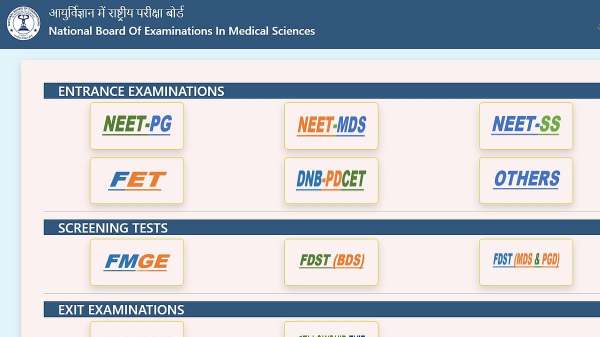
NEET MDS Result 2026 Released At natboard.edu.in; Check Merit List & Rank Details
-
Complete! Uzbekistan Finalises Official 2026 World Cup Squad — First and Last to Register