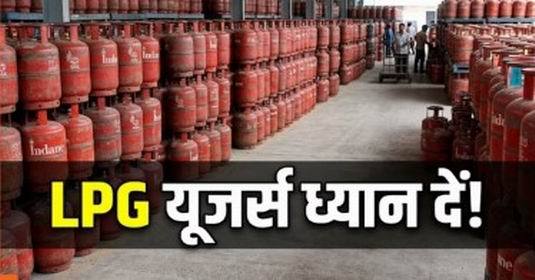
New Delhi. If you use LPG connection of Bharat Gas, then this news is very useful for you. Bharat Petroleum has advised customers to complete eKYC, so that gas connection and LPG subsidy can continue without any interruption. The company has clearly said that customers should complete their eKYC process before June 30, 2026.
That’s why eKYC is necessary
Nowadays the government and oil companies are paying more attention to digital verification. For this reason, Biometric Authentication based eKYC is being made mandatory for LPG customers. This will help in stopping fake connections and providing subsidy to the right people.
Easy way to complete eKYC sitting at home
The best thing is that now customers will not need to visit the gas agency. Bharat Gas users can complete eKYC in a few easy steps from home through HelloBPCL App. If this work is not completed on time, there may be difficulty in getting gas subsidy.
Complete process of doing eKYC from HelloBPCL App
Step 1: If you are a Bharat Gas customer, you can easily complete eKYC from your mobile sitting at home. For this you will only need HelloBPCL App and mobile number linked to Aadhaar. First of all open Google Play Store or Apple App Store in your phone. Download and install the app by searching HelloBPCL there.
Step 2: Login with mobile number
After opening the app, enter your registered mobile number. OTP will come on your number, enter it and login. Keep in mind that use the same number which is linked to your Bharat Gas connection. After login, LPG Services or Bharat Gas section will appear on the homepage of the app. Click on it.
Step 3: Select eKYC option
Now you will see the option of eKYC or Biometric Authentication. Tap on it. Now enter your Aadhaar number. After this, OTP can come on the mobile number linked to your Aadhaar. Complete the verification by entering OTP. In some cases, Fingerprint or Face Authentication may be required. For this you may have to go to the nearest gas agency or authorized center.
Step 4: Check Confirmation
After filling all the information correctly, press the Submit button. Your eKYC process will be completed. After successful eKYC, you will get confirmation through SMS or App notification. After this your Bharat Gas connection and LPG subsidy will continue without interruption.
-
OpenAI ramps up fight against AI-powered election misinformation
-
Meta tests AI subscriptions, launches paid plans for Facebook, Instagram
-
"I don't do..., I don't touch...I will take one tablespoon..." Salman Khan talks about importance of cheat meals in his life

-
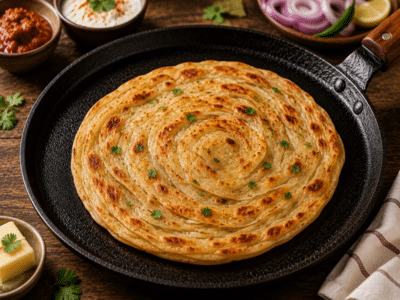
Lachha Paratha: Does making restaurant-style crispy Lachha Paratha at home seem like a difficult task? Note down this super-easy recipe..
-
UGC NET 2026: UGC NET Correction Window Open—Make Corrections to Your Application Form Immediately; May 28 is the Last Date..