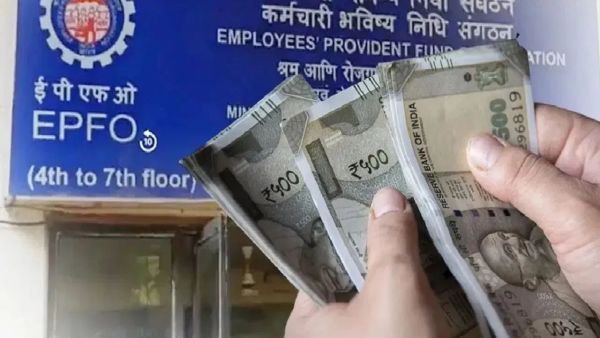
The Employees Provident Fund Organization (EPFO) provides a universal account number (UAN) to every PF account holder, so that they can see all their information related to their PF, but if for some reason the wrong member ID is linked to UAN, it can cause problems.
Now EPFO has launched a new facility, so that members themselves can delin the wrong member ID. For this, first login to the EPFO member portal. Go to the service history and choose the wrong member ID and click on the Dilink option. For verification, OTP will come on Aadhaar -linked mobile number, after entering the member ID will be delinked.
How to delin the court ID?
If the wrong ID has been contributed by the employer, the member will not be able to delin it himself. In such a situation, the concerned employer or EPFO office will have to contact. This new facility of EPFO gives account holders more control over their account, making the mistakes easily correct.
Delink Wrong Member Id from UAN with this simple step-by-step guide.
#Uan #MeMberid #Epfowithyou #Humhaainnaa #Epfo #EPF #EPFO #EPF #EPF pic.twitter.com/ijsvyto8ah
- EPFO (@Socialepfo) February 17, 2025
Link to someone else's ID with UAN
- First of all login to the unified member portal and submit OTP.
- After this, go to the option of the View menu and select the service history.
- Go in it and find the wrong ID related to your UAN and click on the delink.
- Click OK for confirmation.
- Select the cause of delinating by going to the next page.
- Now two consent boxes will come, with clicking on your Aadhaar, an OTP will come on mobile.
- After this you submit that OTP. Now the delicated ID will not appear in your service history.
-
Major Action Against Encroachment on Railway Land in Prayagraj

-
IPL 2026: CSK Triumphs Over MI, Points Table Update

-
Controversial Figure Pete Hegseth: A Potential 2028 Presidential Candidate?

-
Shooting Incident Near Chris Brown's Residence in Los Angeles

-
The elite of Britain's construction industry celebrated at Express backed awards