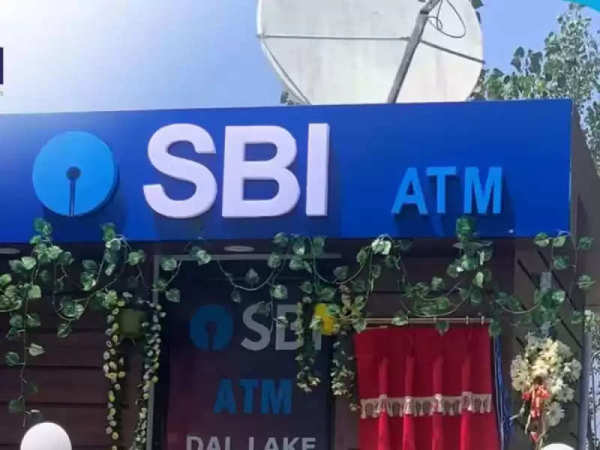
SBI Clerk Prelims Result 2025: Lakhs of candidates who appeared in the Clerk (Junior Associate) Prelims Exam 2025 conducted by State Bank of India (SBI) are now waiting for their results. However, the date of release of the result has not been officially confirmed. According to media reports, it is likely that the result of SBI Clerk Prelims can be declared by the last week of March 2025 or the first week of April 2025. To check the results, candidates can also follow the steps given here.
SBI Clerk Prelims Result 2025: Exam Pattern and Number of Candidates
SBI conducted the online prelims exam for Clerk/Junior Associate posts on 22 February, 27 February, 28 February and 1 March 2025 at various exam centers across the country. More than 19 lakh candidates appeared in this exam, and are eagerly waiting for this result.
SBI Clerk Prelims Result 2025: Further Selection Process
Candidates who qualify for the prelims exam will get an opportunity to appear in the main exam (Mains). After the main exam, the selected candidates will have to undergo a local language test, after which the final selection process will be completed.
SBI Clerk Prelims Result 2025: Expected Cut-off Marks
The cut-off marks depend on various factors, such as the difficulty level of the exam, the number of candidates, and the number of vacancies available. However, based on the trends of previous years, the probable cut-off marks for different states and categories have been estimated. Candidates are advised to wait for the official cut-off marks to be released on the official website.
SBI Clerk Prelims Result 2025: How to check the result after it is released?
Step 1: To check the result, candidates should first visit the official website of SBI sbi.co.in.
Step 2: After that candidates click on the 'Junior Associates (Customer Support & Sales) Result' link in the 'Career' section on the homepage.
Step 3: Then the candidates enter their registration number and password.
Step 4: Now after clicking on the submit button, your result will be displayed on the screen.
Step 5: After this, the candidates should download the result page.
Step 6: Finally, the candidates should take a print out of the result page.
-
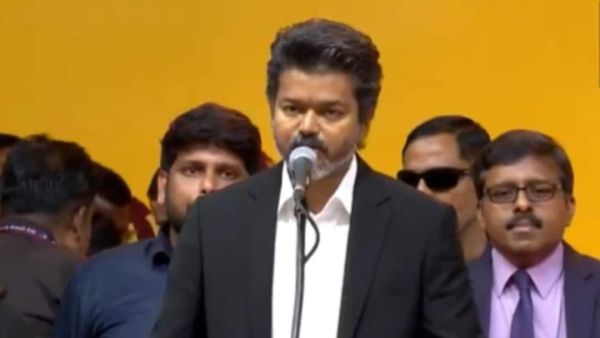
'Thalapathy' Vijay Takes Oath As Tamil Nadu Chief Minister After TVK's Historic Debut
-
'We Aren’t Trying To Be Trendy, We’re Trying To Be Real': Indie Band Last Minute India On Authenticity & Gen Z Connect

-
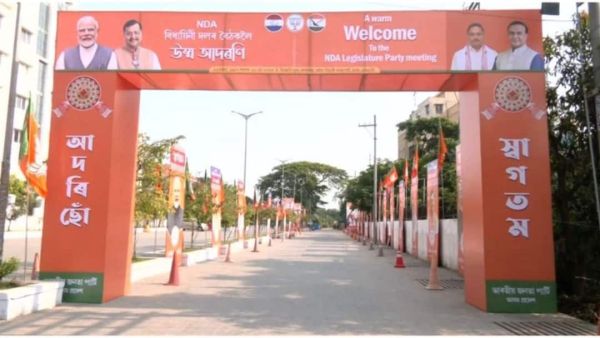
Preparations Underway In Guwahati For BJP Legislature Party Meeting Ahead Of Assam CM Oath Ceremony
-
'Rebel English Academy': Mohammed Hanif's new novel richly rewards the patient reader

-
Mother's Day Special “Letter to Mother”: Against all odds, my mother brought me back to life