
We often use various services, including UPI, through the internet. But did you know that you can make payments using UPI even without an internet connection?
Lack of internet access can be problematic when needing to make urgent payments. We primarily use the internet for online transactions, including UPI. However, UPI payments can be made offline.
)
Make offline UPI payments from your mobile phone. Dial *99#, the official USSD code. This service, introduced by the National Payments Corporation of India (NPCI), ensures access to banking services without internet.
The USSD service facilitates various banking operations, including sending and receiving money between banks, checking account balance, and generating or changing UPI PIN.
To make offline UPI payments, dial *99#. A menu will appear with available options: Send Money, Request Money, Check Balance, Pending Payments, Transactions, and UPI PIN.

To send money via mobile number, enter the recipient's UPI-linked mobile number and click 'Send.' Enter the amount and click 'Send' again. Add a remark if needed. Enter your UPI PIN to complete the transaction.
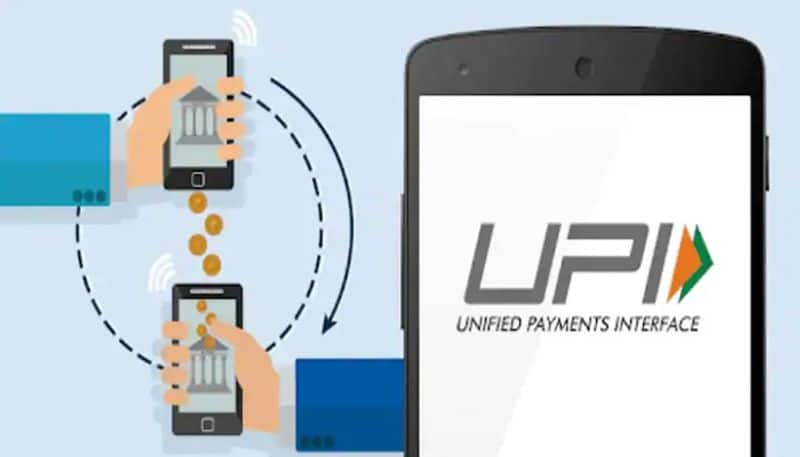
The USSD service is useful for offline UPI transactions. However, it can be deactivated. To block offline UPI services, dial *99# from your registered mobile number and follow the instructions.
-
IPL 2026: Nicholas Puran hit a six on every second ball, scored the fastest half-century, left behind Vaibhav Suryavanshi

-
MS Dhoni’s IPL 2026 Absence: Injury or Silent Farewell in the Making? Speculation Takes Centre Stage

-
BJP’s storm in West Bengal, see how every BJP worker is immersed in celebration across the country. BJP S West Bengal Wave Sparks Nationwide Celebrations

-
51 Plus These 5 vitamins are like nectar for men, take them daily – News Himachali News Himachali

-
Dr Lal PathLabs: Despite declining profits, shares rose 20%, due to which investors got silver!