Nowadays, most people in India make UPI payments. The system of making payments by cash is almost gone. However, sometimes when there is a problem with the internet, it becomes difficult to make UPI payments. In such situations, UPI payments can be made offline. We are going to tell you the easy way here. Read the details.
Technology Desk, New Delhi. Many times there are occasions when we have a great need to make online payments. But, the internet works very slow or sometimes the internet network is not available at all. In such a situation, it is natural for anyone to get upset. But, let us tell you that the government gives the option of doing UPI transactions even without internet. However, many people are not aware of this. In such a situation, here we are going to tell you the way to make UPI payments without an active internet connection. This work can be done easily by dialing the official USSD code.
Launched by the National Payments Corporation of India (NPCI), this service ensures that users can use banking services even without internet connectivity. The *99# service provides convenience for various banking tasks, including sending and receiving interbank funds, checking account balance, and setting or changing UPI PIN. If you lose your internet connection, then here we are going to give you information about using *99# USSD code to make UPI payments. Here you will be able to know the step by step process.
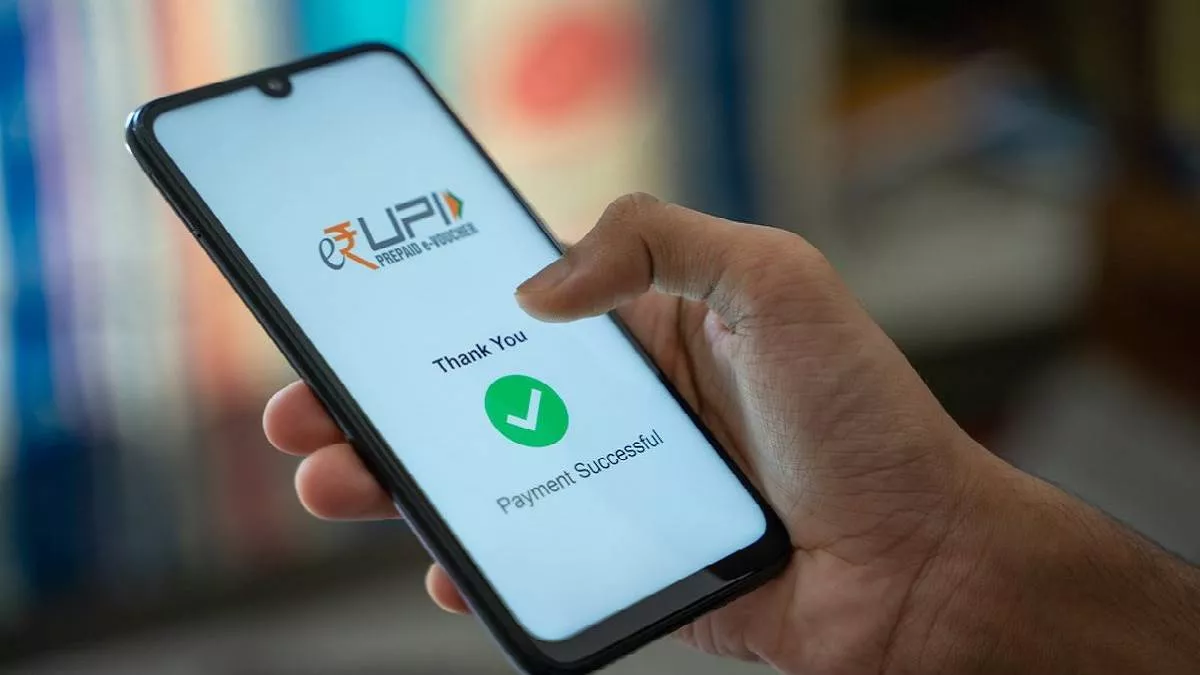
How to make UPI payment without internet:
- First of all dial *99# from your registered mobile number linked to your bank account.
- After this you will see a menu with different banking facilities. These options are mentioned below:
- send money
- Request Money
- check balance
- my profile
- Pending Request
- Transactions
- UPI PIN
- To send money you have to type 1 and press send.
- Then choose the method of sending money: mobile number, UPI ID, saved beneficiary or other options. Then type the relevant number and tap on 'Send'.
- If you choose to transfer via mobile number, enter the mobile number of the receiver linked to the UPI account and tap 'Send'.
- After that enter the amount you want to transfer and tap on 'Send'.
- If you want, you can also give remarks for payment.
- After this enter UPI PIN to complete the transaction.
-
Viral Post: Odisha Techie Gets ₹10,000 Back After Uber Driver Tracks Him Down — Internet Applauds

-
BJP’s Dilip Ghosh hails public trust after Kharagpur Sadar victory
-
Grade-2 fatty liver will be cured without medicine, doctor said these 2 changes in lifestyle can show effect in 6 months – News Himachali News Himachali

-
Chinese giant TCL will change its attire in India! Preparation to sell 51% stake of Indian plant

-
Does eating mangoes in summer really cause pimples on the face? Know the right way and time to eat mangoes