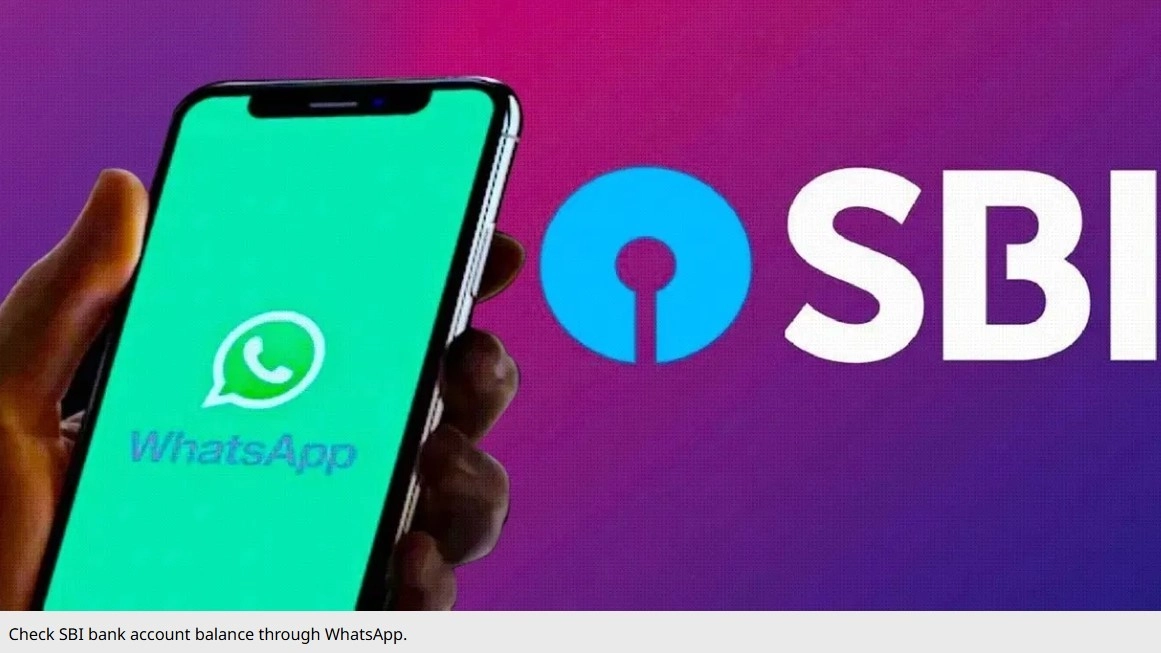
SBI Balance Check WhatsApp Banking: If you have a bank account in State Bank of India, then you do not need to worry about checking the balance. You can easily check the balance through WhatsApp. Apart from this, you can also avail many types of banking services on WhatsApp. Let's know how all this will be.
SBI Balance Check WhatsApp Number: State Bank of India (SBI) is the largest bank in the country. Crores of people have accounts in this bank. Many times we want to know the balance of the bank account, but it is not known immediately. But now you do not need to worry. You can check the balance of SBI bank account directly on WhatsApp. It is very easy to find out how much money is left in the account through WhatsApp. By just sending a WhatsApp message to a number, you can avail many services including balance check.
For the convenience of account holders, SBI provides WhatsApp banking service. Through this, you get many facilities including checking balance. You can take advantage of these facilities after messaging on SBI's WhatsApp account number. Let us know what is the WhatsApp number of SBI, and how balance can be checked through it.
How to check SBI balance through WhatsApp
The WhatsApp number of SBI banking service is +919022690226. To check the balance, you have to send a message to this number from your registered mobile number. When you send 'Hi' to +919022690226 from your WhatsApp, the option of 'Get Balance' will appear on the SBI chat-bot. You have to click on this option, after which the balance will be visible.
How to register for WhatsApp banking
If this method is not working, then send an SMS in the format 'WAREG Account Number' to +917208933148 from the registered mobile number. For example, if your SBI bank account number is 123456789, then you need to send an SMS by typing WAREG 123456789 to +917208933148.
You can also use SBI WhatsApp Banking service by scanning this QR code.
These banking services will be available on WhatsApp
If your registration is successful, you will receive a confirmation message on WhatsApp linked to your registered mobile number. After this, follow the steps mentioned earlier. Send 'Hi' from your WhatsApp to +919022690226 and select the option on the chat-bot as per your need, and avail the facility.
Apart from checking bank account balance on WhatsApp, you can also get a mini statement of up to 10 transactions. Apart from this, many services like account statement, pension slip, loan query, debit card related information etc. are also available.
-
Phone Charging Slowly? This Hidden Setting Could Be Reducing Charging Speed Without You Knowing
-
World Hypertension Day 2026: 5 Common Myths About High Blood Pressure You Should Know

-
Italian Travel Vlogger Randomly Receives Wedding Invite During Indian Safari; Internet Calls It ‘Peak Hospitality’

-
Aditi Rao Hydari Brings French Riviera Breeze To Cannes 2026 Red Carpet In Floor-Sweeping Green Gown, Husband Siddharth Reacts To Her Look

-
Aarti Ravi's Mother Defends Daughter Against Ravi Mohan's Shocking Claims, Says 'Grandon Is Under A Lot Of Stress'